New guide5 min read
How to Fax a Word Document Without a Fax Machine
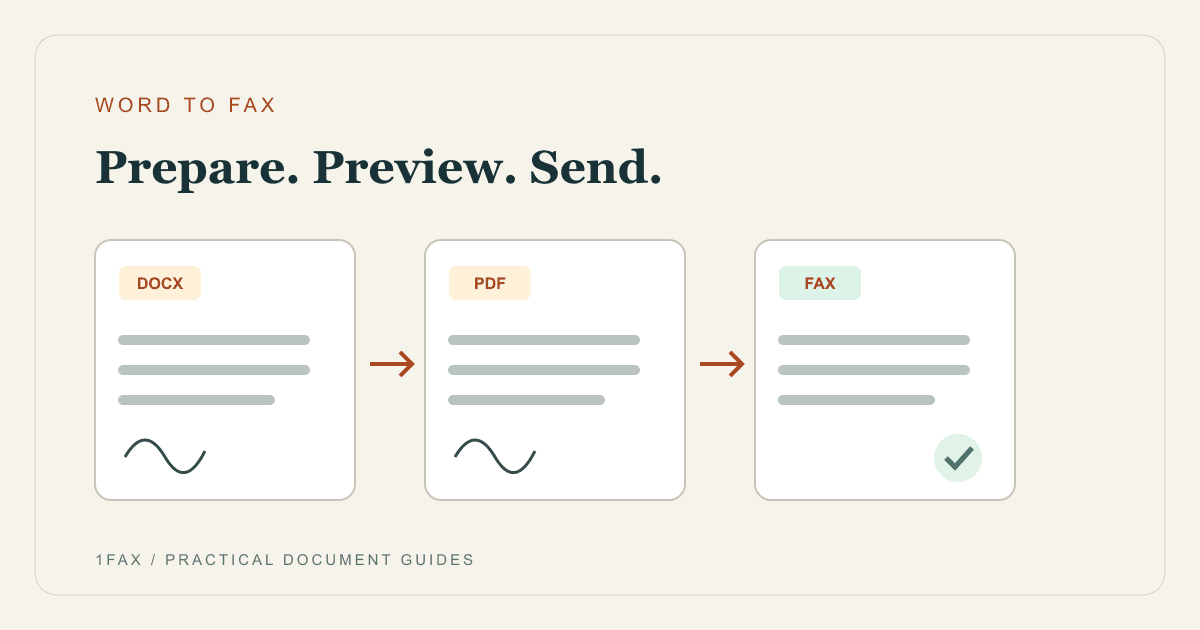
A finished Word file is almost ready to fax. Choose the right format, check what the receiver will see, and send the final pages without printing them first.
The 1Fax field guide
Clear, source-checked guidance for one-time faxes, medical offices, government forms, pricing decisions, and the delivery proof you should keep afterward.
A finished Word file is almost ready to fax. Choose the right format, check what the receiver will see, and send the final pages without printing them first.
Start here
Fax rules change with the recipient. Start with the intent, then use the more specific guide instead of a generic checklist.
One-time fax
Compare online and local options, understand the total cost, and keep a usable confirmation.
Doctor & medical
Use the right department, a minimal cover sheet, and a privacy-conscious document workflow.
Government & benefits
Let the current form or notice control the fax number, routing page, and submission method.
Ready before the article?
Upload a PDF or image, verify the destination number, review the price, and pay only after successful delivery.
Recently published
New spokes answer a narrower search intent so the advice is more useful—and each topic has a clear place in the library.
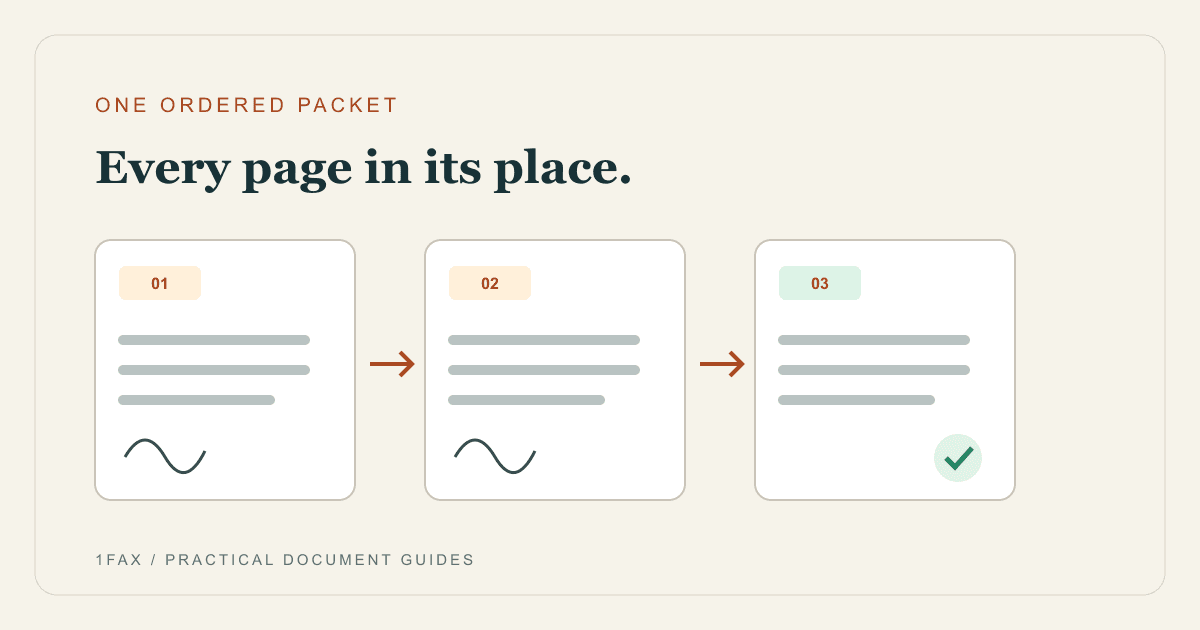
Applications often need more than one file. Build a readable packet so the receiving office gets the main form and supporting pages in the right sequence.
Read the guide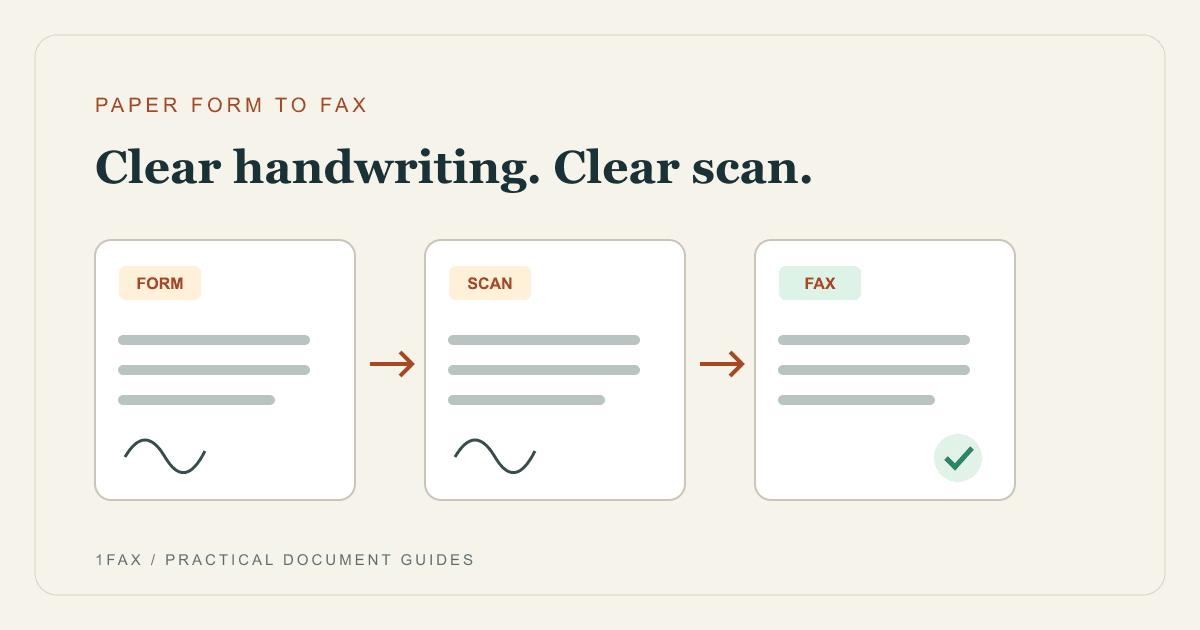
A paper form does not need a fax machine. Turn the completed pages into a clear scan, inspect the handwriting, and send the file from your phone or computer.
Read the guide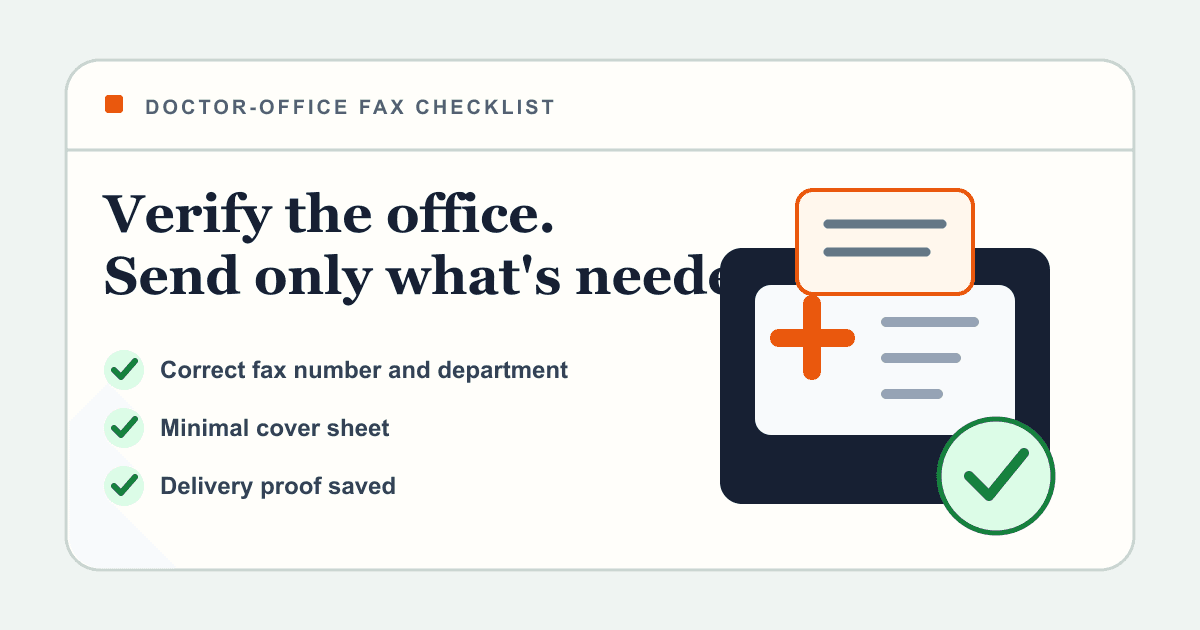
A practical workflow for sending forms, referrals, insurance paperwork, or outside reports to a doctor's office—without guessing the fax number or exposing more health information than necessary.
Read the guideSend once without inheriting a monthly plan.
One-time faxing
Need to fax one document today? Compare online pay-per-fax tools with local stores, libraries, and business centers—then choose based on file format, privacy, speed, and proof of delivery.
One-time faxing
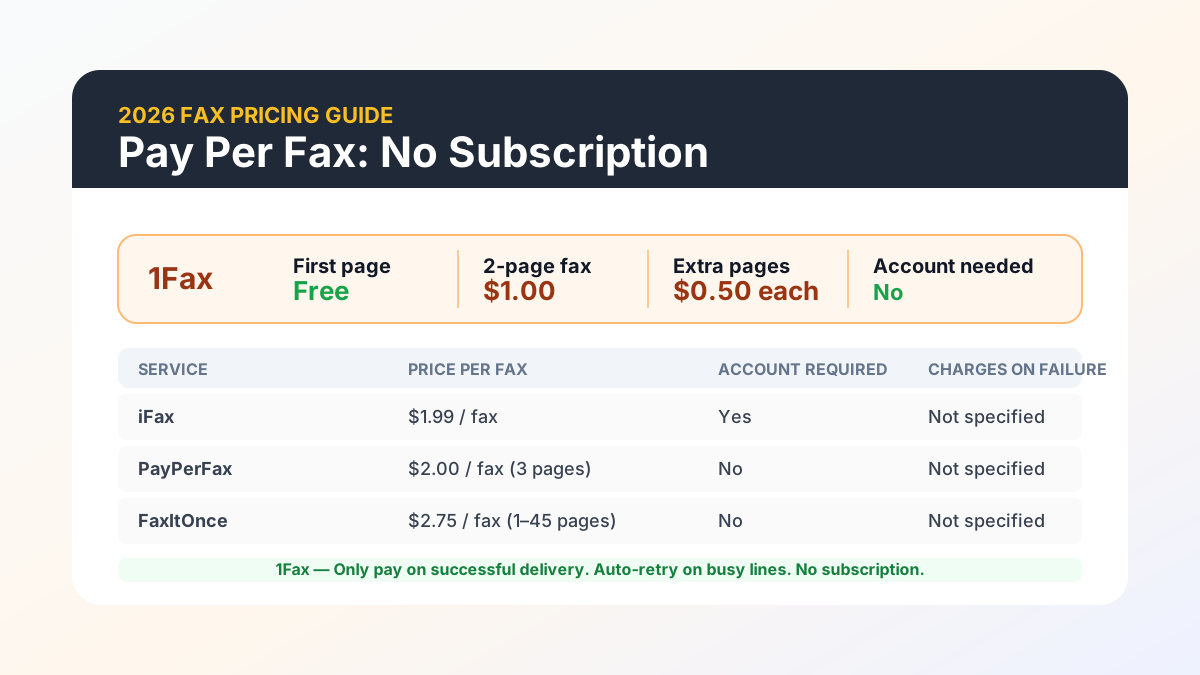
Pay per fax lets you send a fax without a monthly plan — you pay only when you actually send. This guide covers how the pricing model works, which services offer it, and when it saves money compared to a subscription.
Verify, minimize, transmit, and follow up safely.
Medical faxing
A practical workflow for sending forms, referrals, insurance paperwork, or outside reports to a doctor's office—without guessing the fax number or exposing more health information than necessary.
Medical faxing
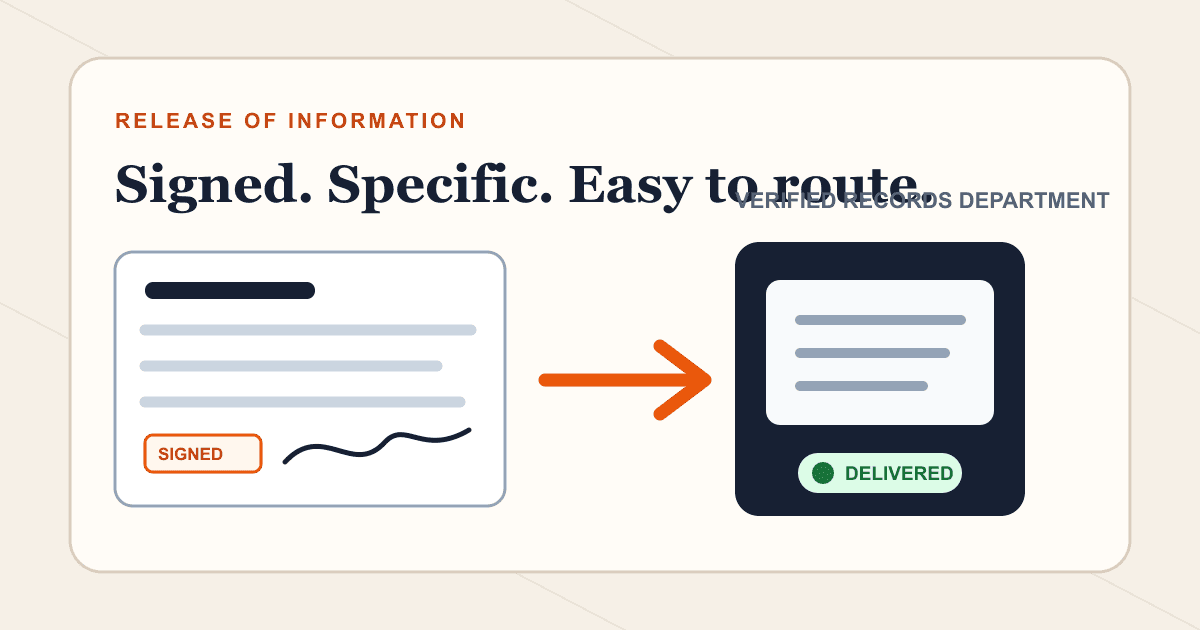
A medical release form authorizes or requests a records transfer; it is not the records packet itself. Use this checklist to complete, scan, fax, and track the form correctly.
Medical faxing
Fax can be part of a HIPAA-compliant workflow, but the channel alone is not compliant. Use this practical checklist for recipient verification, BAAs, access, retention, and incident response.
Medical faxing
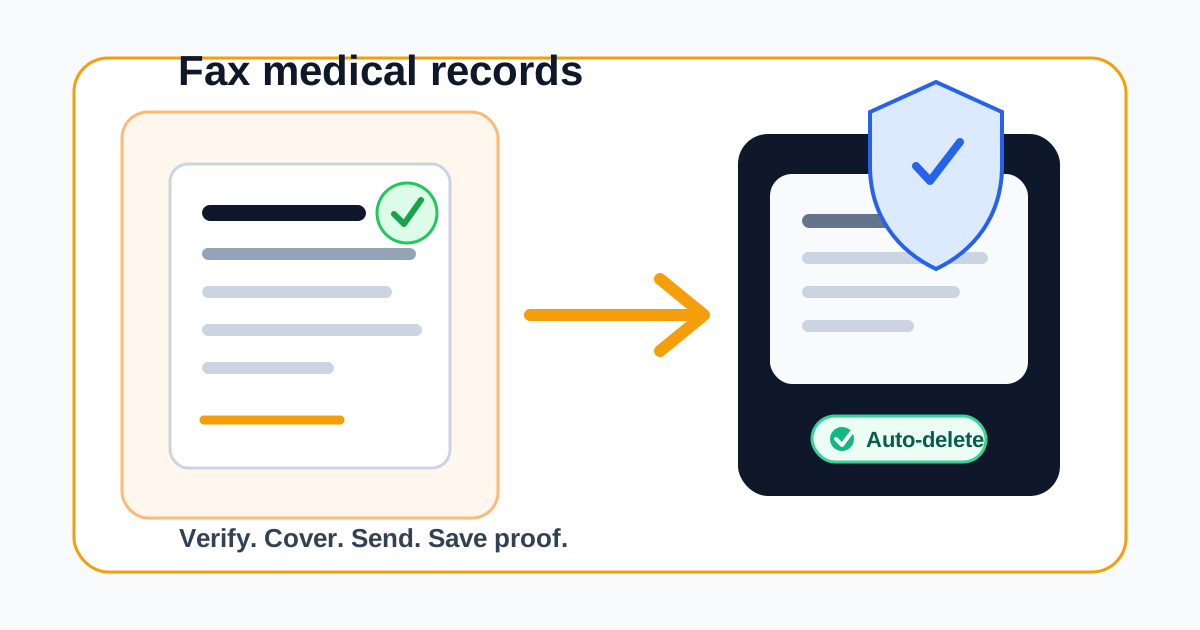
Need to send medical records to a doctor, specialist, insurance company, school, attorney, or patient portal team? This guide explains how to prepare the packet, verify the fax number, protect sensitive information, and use 1Fax when you need a one-time secure fax without long-term file storage.
Use official routing and preserve deadline evidence.
Government faxing
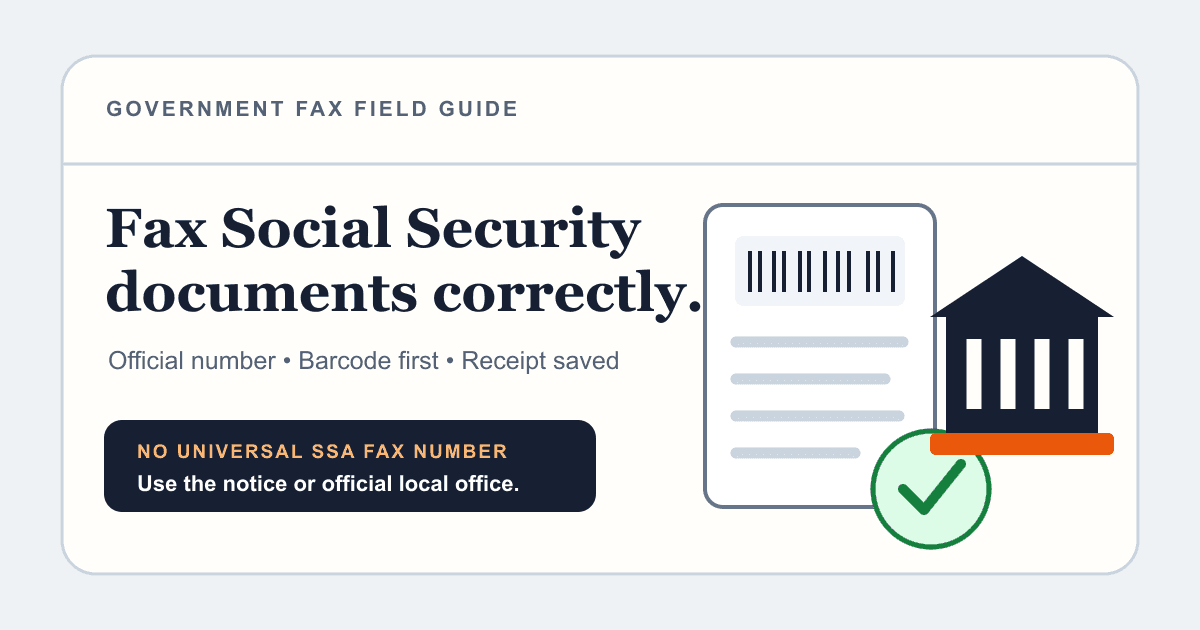
Social Security accepts some forms and documents by fax, but the correct route depends on the notice, local office, and disability-evidence workflow. Verify the destination before sending.
Government faxing
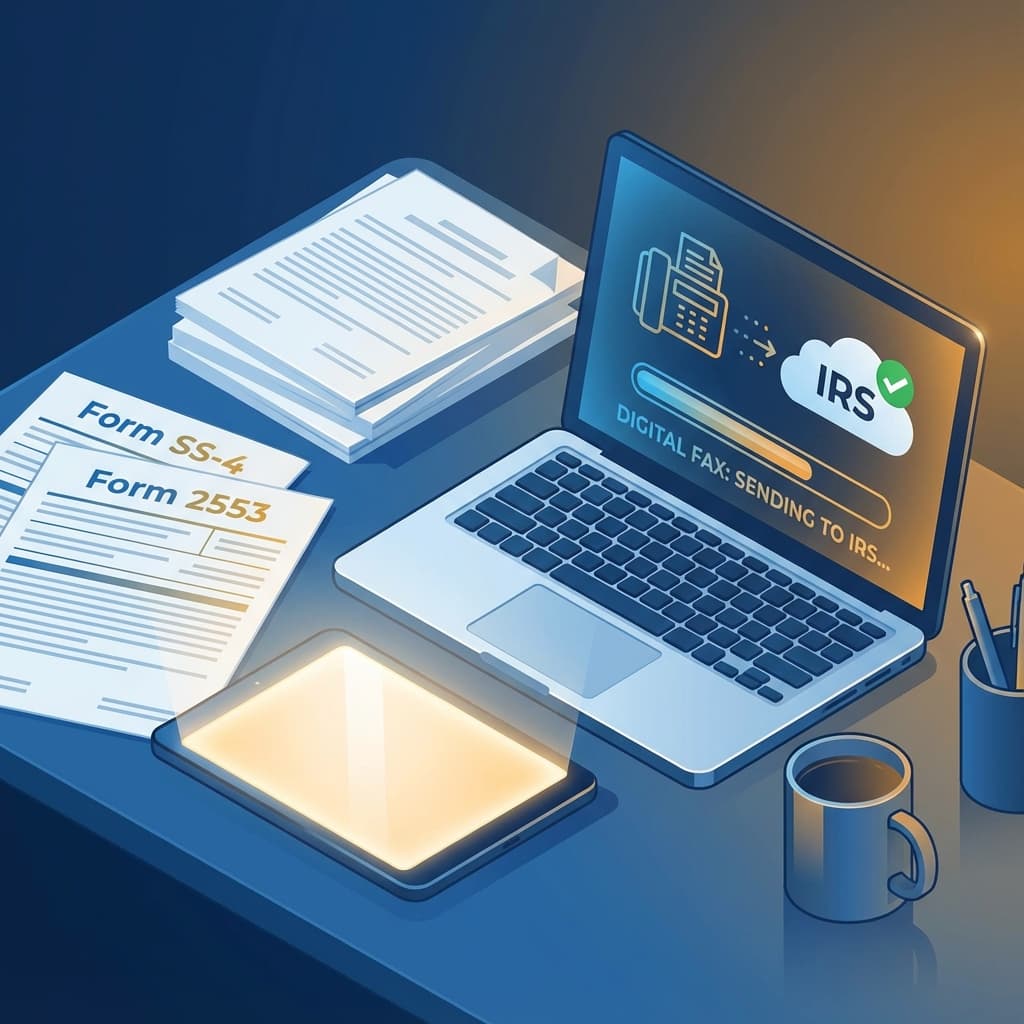
Need to fax an EIN application, S-Corp election, power of attorney, tax information authorization, or an IRS notice response? This guide shows what to verify before sending, where to find the correct IRS fax number, how to prepare the packet, and what proof to keep.
Government faxing
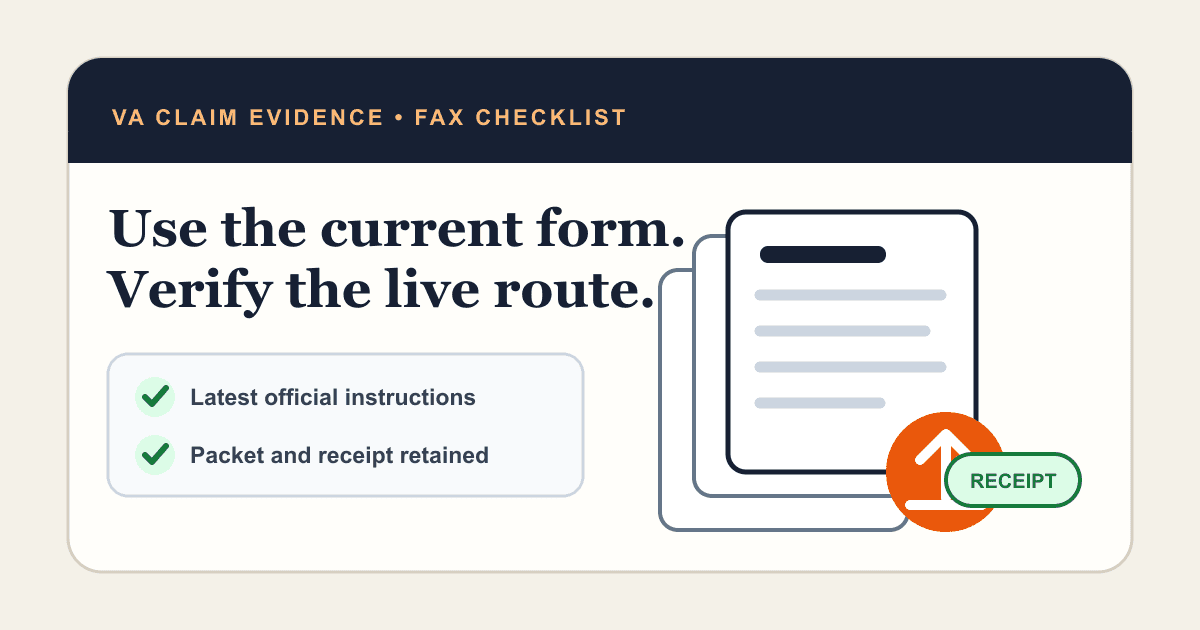
VA offers online upload, QuickSubmit, mail, in-person help, and fax for different claim workflows. Choose the correct route, verify current instructions, and keep your own evidence trail.
Government faxing
Government offices still use fax for tax forms, benefits paperwork, records requests, and time-sensitive responses. Here is how to send the right packet to the right agency without a fax machine.
Government faxing
Government agencies like the IRS still accept faxed forms, but missed deadlines happen when lines are busy or offices close early. Scheduling a fax fixes that.
Prepare clean pages and avoid preventable failures.
Fax how-tos
A finished Word file is almost ready to fax. Choose the right format, check what the receiver will see, and send the final pages without printing them first.
Fax how-tos
Applications often need more than one file. Build a readable packet so the receiving office gets the main form and supporting pages in the right sequence.
Fax how-tos
A paper form does not need a fax machine. Turn the completed pages into a clear scan, inspect the handwriting, and send the file from your phone or computer.
Fax how-tos
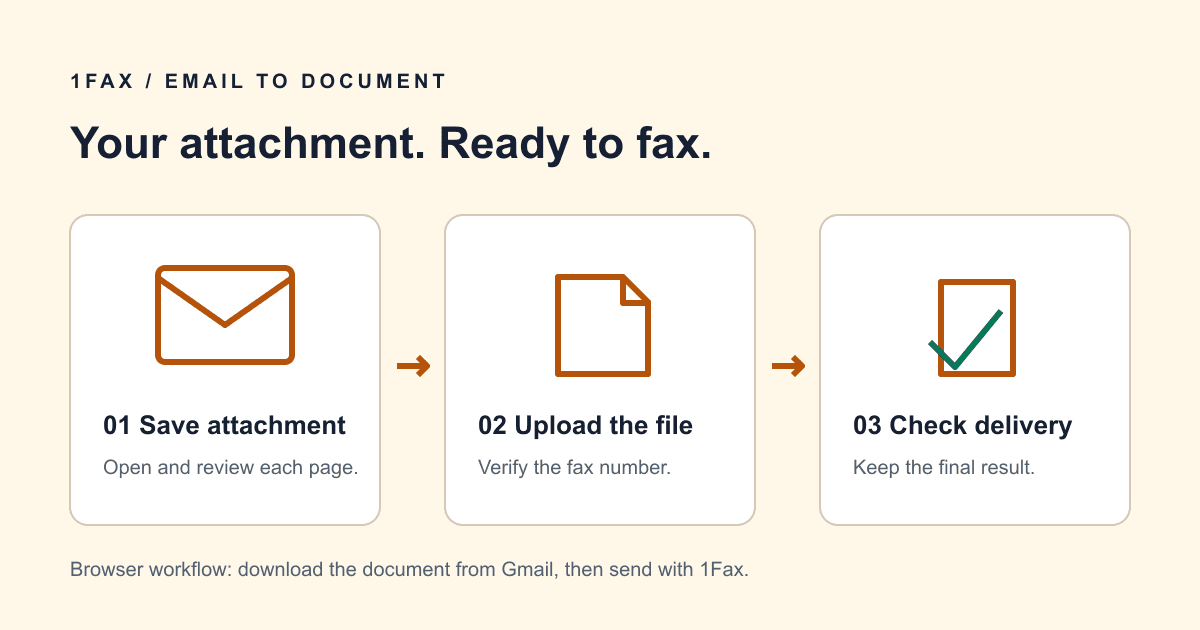
Need to fax a Gmail attachment? Download the file and send it online, or use an email-to-fax provider. Learn the differences and avoid sending the wrong file.
Fax how-tos
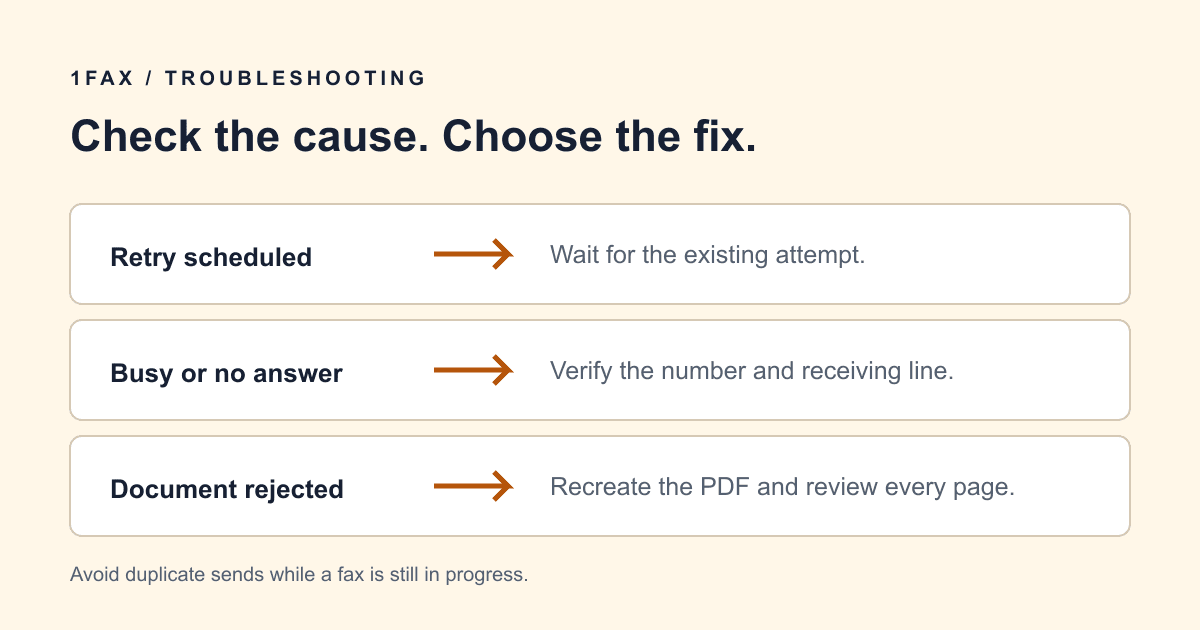
Fax stuck or failed? Check busy lines, no answer, incorrect numbers, and PDF problems. Learn when to wait for a retry and when to fix the document first.
Fax how-tos
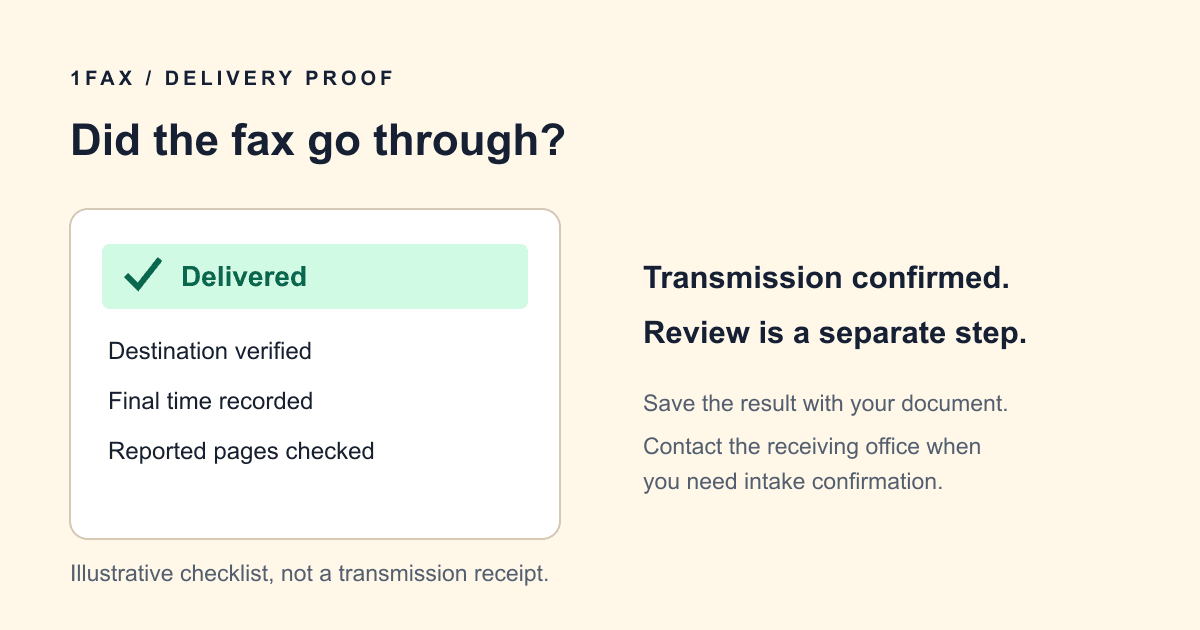
Learn how to check whether a fax went through, read a delivery report, save useful records, and follow up when the recipient cannot find your document.
Fax how-tos
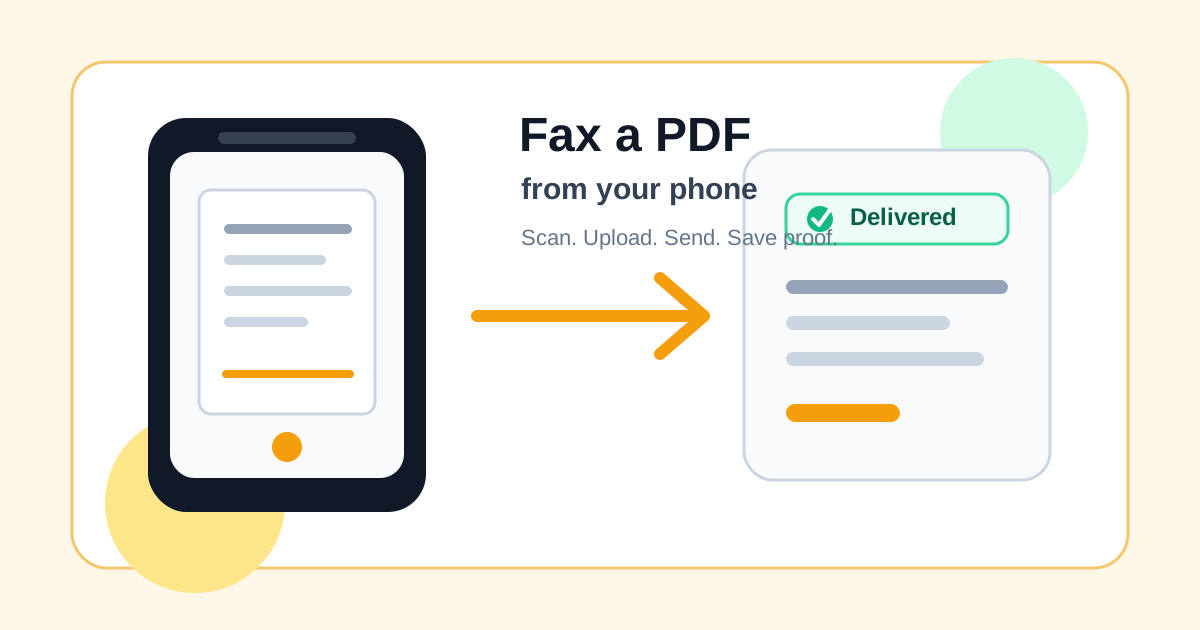
Need to fax a signed form, medical document, or government packet from your phone? This guide shows how to turn photos into a clean PDF, send it online, and keep proof of delivery.
Fax how-tos
A practical browser workflow for sending one document: prepare the file, verify the destination, review the total, and save the final result.
Fax how-tos
A cover sheet should help the receiving office route the document. Use this copyable example, count the cover in your packet, and keep sensitive details off the front page.
Fax how-tos
Digital fax removes local hardware for occasional outbound sends, while a traditional machine may still fit a staffed office with established phone lines and procedures.
Choose by workflow, page count, and recurring cost.
Comparisons
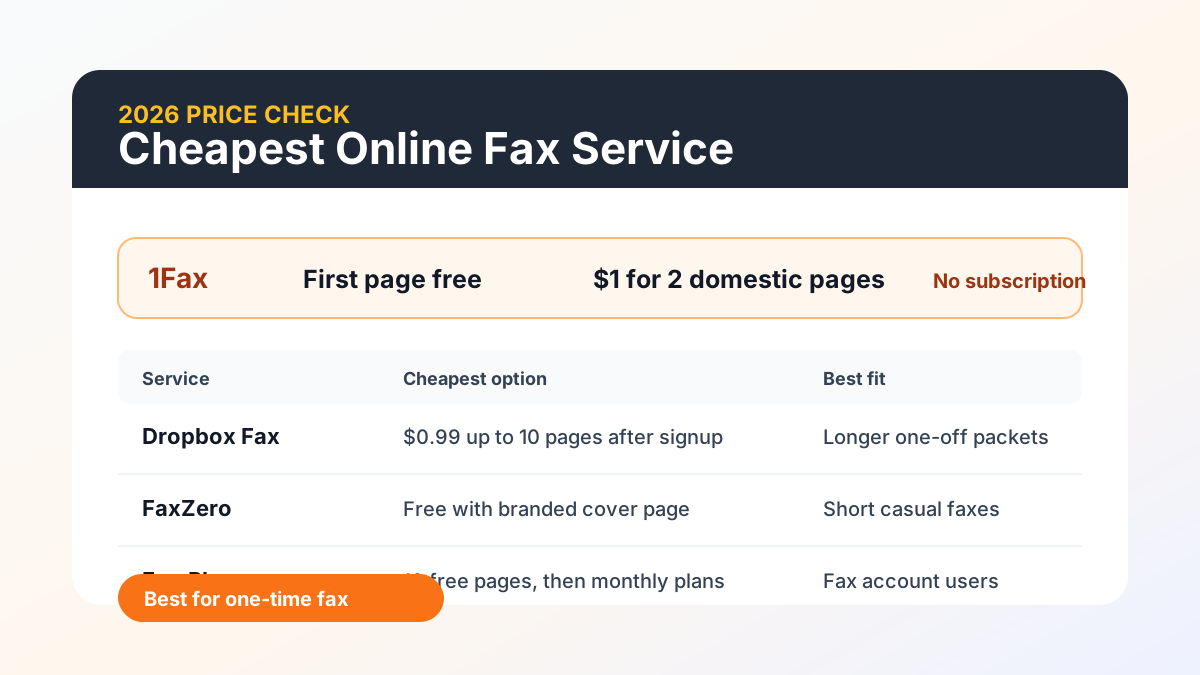
Need to send one fax without buying a monthly plan? This 2026 price comparison shows where free tiers help, where subscriptions get expensive, and why 1Fax is the cheapest clean option for a simple one-time fax.
Comparisons
We tested and ranked 8 fax services from free to pay-per-use, rating quality, security, and value. See why 1Fax leads at $1 per fax with no subscriptions.