Quick answer
Quick answer
Fax only when the current IRS form instructions or your notice allow it. Use the number for that specific form and location, check signatures and page order, then save the final delivery confirmation. A delivered fax does not confirm IRS acceptance or processing.
What to get right
- There is no universal IRS fax number: match the destination to the form or notice.
- Check signature requirements before scanning a completed form.
- 1Fax sends outbound faxes; it does not provide an inbox for an IRS fax reply.
- Keep the submitted packet and delivery record, and follow the IRS instructions for status questions.
Quick answer: you can fax some IRS documents, but not everything
The IRS does not have one universal fax number, and you usually should not fax a full tax return unless the IRS instructions, an IRS notice, or an IRS employee specifically tells you to. Fax is used for specific forms, authorizations, business filings, and notice responses where the IRS provides a fax route.
The safest rule is simple: use the fax number printed in the current IRS form instructions, the IRS notice or letter you received, or the page for the exact IRS tool you are using. If a third-party article lists a fax number, treat it as a starting point only and verify it on IRS.gov before sending.
| Situation | Can it usually be faxed? | What to check first |
|---|---|---|
| Form SS-4 for an EIN | Yes, fax is an IRS-listed option | Use the SS-4 filing location based on legal residence or principal business location. |
| Form 2553 S-Corp election | Yes, IRS instructions list fax routes | Use the state-based IRS service center in the current Form 2553 instructions. |
| Forms 2848 or 8821 | Yes, but online submission may be faster for many tax pros | Use the CAF chart or the IRS employee handling the matter. |
| Response to an IRS notice | Sometimes | Use the notice instructions, Document Upload Tool instructions, or the fax number shown on the letter. |
| Full individual tax return | Usually no | E-file or mail unless IRS instructions say otherwise. |
Common IRS forms people fax
Start with the exact form number or notice in front of you. Routing can depend on your location and the IRS office handling the matter, so a number used for one filing may be wrong for another.
These are common examples where IRS instructions currently include fax as a submission path. Always check the latest IRS page before sending because several IRS instructions warn that numbers can change without notice.
- Form SS-4, Application for Employer Identification Number (EIN).
- Form 2553, Election by a Small Business Corporation.
- Form 2848, Power of Attorney and Declaration of Representative.
- Form 8821, Tax Information Authorization.
- IRS notice responses when the notice or IRS Document Upload Tool instructions allow a fax or upload response.
- Case-specific documents requested by an IRS employee, auditor, or revenue officer.
IRS fax numbers for Form SS-4 (EIN application)
Form SS-4 is one of the clearest IRS fax use cases. The IRS says applicants can receive an EIN by fax, generally within 4 business days, under the Fax-TIN program. The number depends on where the applicant's legal residence, principal place of business, principal office, or agency is located.
The IRS asks for a return fax number so it can send the EIN back. 1Fax is outbound-only and does not provide a receiving fax inbox: its sending number is not your return fax number. Arrange a receiving method you control or check another IRS application option before relying on a fax reply. Use only one EIN application method per entity.
| Applicant location | IRS fax number | Use this for |
|---|---|---|
| One of the 50 states or District of Columbia | 855-641-6935 | Domestic SS-4 EIN applications. |
| No legal residence, principal place of business, principal office, or agency in any state - sending from within the U.S. | 855-215-1627 | SS-4 applications routed to EIN International Operation from inside the U.S. |
| No legal residence, principal place of business, principal office, or agency in any state - sending from outside the U.S. | 304-707-9471 | SS-4 applications routed to EIN International Operation from outside the U.S. |
Send when ready
Your final PDF can go straight from browser to fax.
No fax machine or monthly plan. Verify the number, review the page count, and keep the delivery status.
IRS fax numbers for Form 2553 (S-Corp election)
Form 2553 is deadline-sensitive, so routing matters. Current IRS instructions say to send the original election or fax it to the service center listed for the corporation's principal business, office, or agency. If the corporation files by fax, it should keep the original Form 2553 with its permanent records.
As of this update, the IRS instructions divide Form 2553 fax routing into two state groups. Because late-election relief and filing rules can be more complex, verify the current instructions before sending.
| Principal business location | IRS fax number |
|---|---|
| CT, DE, DC, GA, IL, IN, KY, ME, MD, MA, MI, NH, NJ, NY, NC, OH, PA, RI, SC, TN, VT, VA, WV, WI | 855-887-7734 |
| AL, AK, AZ, AR, CA, CO, FL, HI, ID, IA, KS, LA, MN, MS, MO, MT, NE, NV, NM, ND, OK, OR, SD, TX, UT, WA, WY | 855-214-7520 |
IRS fax numbers for Forms 2848 and 8821
Forms 2848 and 8821 are commonly used when a CPA, tax attorney, enrolled agent, or other authorized person needs to represent you or receive tax information. The IRS also offers online submission for these forms, and the IRS says electronic signatures for Forms 2848 and 8821 must be submitted online rather than by fax or mail.
If you fax Form 2848 or 8821, use the current Where To File chart unless line 4 says the authorization is for a specific use handled by a particular IRS office. In that case, mail or fax the form to the IRS office handling the matter.
| Taxpayer location | Form 2848 fax | Form 8821 fax |
|---|---|---|
| AL, AR, CT, DE, DC, FL, GA, IL, IN, KY, LA, ME, MD, MA, MI, MS, NH, NJ, NY, NC, OH, PA, RI, SC, TN, VT, VA, WV | 855-214-7519 | 855-214-7519 |
| AK, AZ, CA, CO, HI, ID, IA, KS, MN, MO, MT, NE, NV, NM, ND, OK, OR, SD, TX, UT, WA, WI, WY | 855-214-7522 | 855-214-7522 |
| APO/FPO, U.S. territories, foreign country, or otherwise outside the United States | 855-772-3156, or 304-707-9785 from outside the U.S. | Check the current Form 8821 instructions for international routing. |
How to fax IRS documents online in 7 steps
You do not need a physical fax machine to send IRS paperwork. The important work happens before you press send: confirm that fax is allowed for your document, prepare one clean PDF, and use the correct IRS routing number.
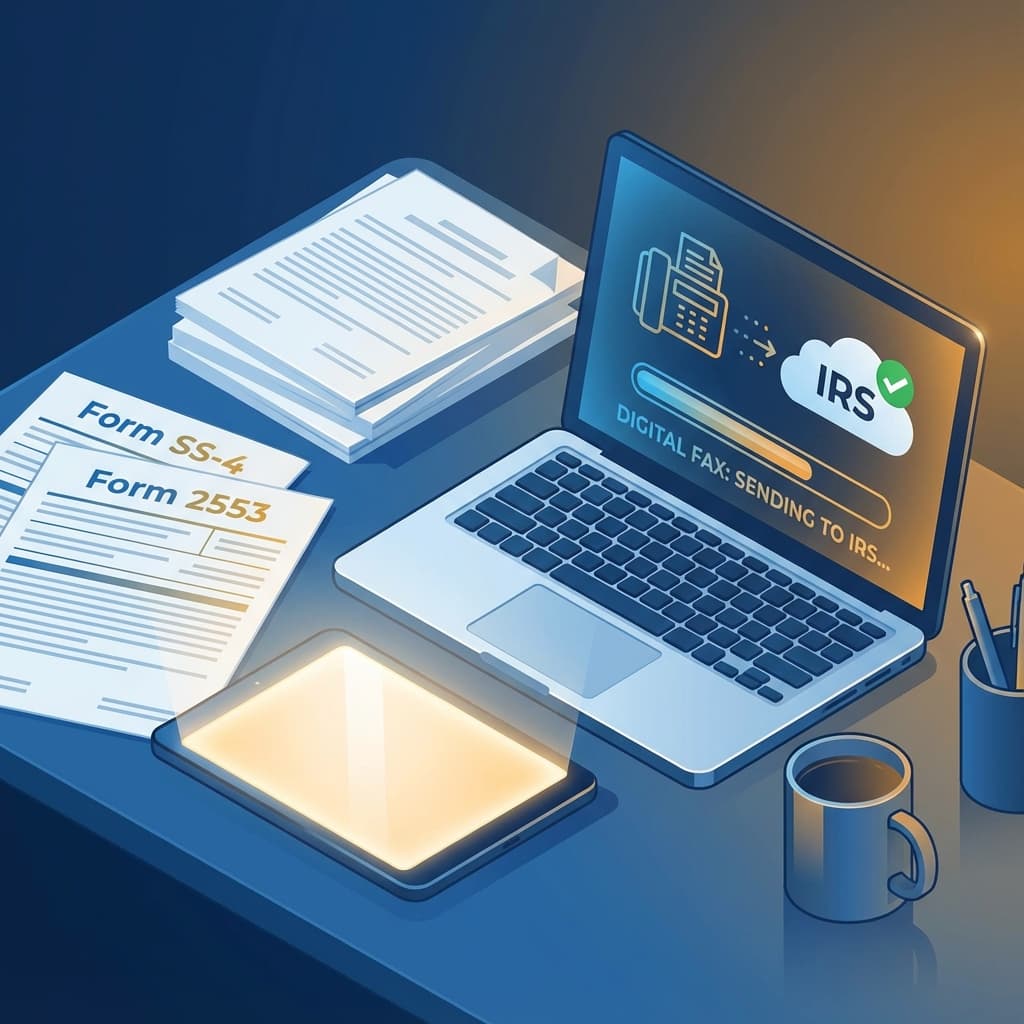
With 1Fax, you can upload the prepared PDF, enter the verified IRS fax number, send from your browser, and keep delivery status for your records.
- Open the current IRS instructions for your exact form or notice.
- Confirm fax is an allowed submission method for that document.
- Complete every required field and use a wet ink signature where fax or mail instructions require one.
- Put the cover sheet or IRS barcode page first if the notice or form instructions require it.
- Scan or save the packet as one clean PDF in the order the IRS should review it.
- Enter the verified IRS fax number exactly, including area code.
- Send the fax and save the delivery confirmation, page count, timestamp, and destination number.
What to put on an IRS fax cover sheet
A cover sheet is not always required, and some IRS notices include a barcode page or response form that should stay first. When a cover sheet is appropriate, keep it short and factual. The goal is routing, not argument.
Do not add more personal information than needed, but make sure the IRS can match the fax to the right taxpayer, entity, notice, or case.
| Cover sheet field | What to include |
|---|---|
| To | IRS office, unit, employee name, or attention line if provided. |
| From | Taxpayer, business, representative, or sender name. |
| Identifier | Use the identifiers required by the form or notice. Do not replace a required full identifier with its last four digits; omit unrelated sensitive details. |
| Contact | Phone number and mailing address or representative contact information. |
| Page count | Total pages including cover sheet and attachments. |
| Subject | Short description such as Form SS-4 EIN application, Form 2553 election, or response to CP notice. |
Mistakes that cause IRS fax delays
An incomplete packet, wrong destination, missing signature, or missing case identifier can delay processing even when the transmission itself succeeds.
Before sending, do a final check against the current IRS instructions and the notice or letter in front of you.
- Using a generic IRS fax number instead of the form-specific or notice-specific number.
- Faxing a document that must be e-filed, uploaded, or mailed instead.
- Submitting an electronic signature by fax when the IRS requires online submission for that signature type.
- Leaving out the notice number, tax year, EIN, SSN/ITIN, or representative information needed for routing.
- Sending separate attachments instead of one complete packet when the IRS instructions ask for one file or one submission.
- Forgetting to keep confirmation proof, especially for deadline-sensitive filings like Form 2553.
Fax vs IRS Document Upload Tool vs mail
Fax is not always the best IRS submission method. The IRS Document Upload Tool can be used to respond to certain IRS notices or letters, and the IRS says it accepts scans, photos, or digital copies as JPG, PNG, or PDF. The tool is not for submitting tax returns.
Use the method the IRS instructions give you. If a notice provides an upload path, that may be cleaner. If the form instructions list a fax number and your deadline is close, fax can be faster than mail. If the instructions require original documents or a mailed packet, follow that route.
| Method | Best for | Watch out for |
|---|---|---|
| Fax | Form-specific filings, authorizations, EIN applications, and deadline-sensitive responses where IRS lists fax as an option. | You must use the right IRS fax number and keep confirmation proof. |
| IRS Document Upload Tool | Responding to eligible IRS notices or letters when you have an access code or notice/letter details. | Do not use it for tax returns; choosing the wrong notice type can cause delays. |
| Returns, original documents, or packets where IRS instructions require mail. | Mail can take longer, so use tracking when timing matters. |
What delivery confirmation does and does not prove
Save the exact submitted PDF and the final status showing the fax number, transmission time, and page count. A successful transmission confirms delivery to the receiving system, not that the IRS approved the form, issued an EIN, or met a processing deadline.
If a fax is still queued or sending, check its final result before starting a duplicate. For a delivered packet awaiting a response, use the contact and processing guidance for the specific form or notice. Keep signed originals where the form instructions require them.
How 1Fax fits an IRS fax workflow
1Fax is built for one-time outbound faxes, which is exactly how many IRS fax tasks happen. You do not need a fax machine, landline, or monthly fax subscription. Prepare the IRS packet, upload it, enter the verified IRS fax number, and send.
Review the page count and price shown before sending, including any cover page. Delivery status and email updates help you track the outbound transmission; they do not include an IRS reply or processing decision.
Research notes
Official sources used for this guide
Agency, healthcare, and provider instructions can change. Recheck the linked source and the document in front of you before transmitting.
- 01Form SS-4 filing destinations (opens in a new tab)
Internal Revenue Service
- 02Form SS-4 instructions (opens in a new tab)
Internal Revenue Service
- 03Form 2553 instructions (opens in a new tab)
Internal Revenue Service
- 04Form 2848 instructions (opens in a new tab)
Internal Revenue Service
- 05Form 8821 instructions (opens in a new tab)
Internal Revenue Service
- 06Online submission and signature rules for Forms 2848 and 8821 (opens in a new tab)
Internal Revenue Service
- 07IRS Document Upload Tool (opens in a new tab)
Internal Revenue Service
Common questions
Frequently asked questions
Can I fax my tax return to the IRS?
Usually no. Most tax returns should be e-filed or mailed unless the current IRS instructions, a notice, or an IRS employee specifically gives you a fax route.
What is the IRS fax number?
There is no single IRS fax number. The correct number depends on the form, taxpayer location, business location, notice type, or IRS office handling the matter.
Can I fax Form SS-4 to get an EIN?
Yes. The IRS lists fax as an option for Form SS-4. Current IRS instructions say domestic applicants in the 50 states or DC use 855-641-6935, while certain international/no-state applicants use 855-215-1627 from within the U.S. or 304-707-9471 from outside the U.S.
Do IRS faxed forms need a wet ink signature?
Some IRS forms do. For Forms 2848 and 8821, IRS guidance says electronic signatures must be submitted online; forms sent by fax or mail require the proper handwritten signature.
Should I use fax or the IRS Document Upload Tool?
Use the method the IRS instructions give you. The Document Upload Tool is useful for eligible notice responses, while fax remains common for specific forms and case-specific submissions where a fax number is provided.
In summary
Key takeaway
A successful IRS fax is mostly about routing discipline: confirm that fax is allowed, use the current IRS number for the exact form or notice, prepare one complete packet, and keep delivery proof. 1Fax gives occasional senders a browser-based way to send that packet without a fax machine or monthly plan.