Quick answer
Quick answer
Government offices still use fax for tax forms, benefits paperwork, records requests, and time-sensitive responses. Here is how to send the right packet to the right agency without a fax machine.
Can you fax documents to a government agency?
Often, yes, but the answer depends on the agency, the form, and the reason you are sending paperwork. Some government offices accept fax for specific forms, evidence packets, authorizations, benefits documents, and responses to notices. Other filings must be uploaded through a portal, mailed, or submitted another way.
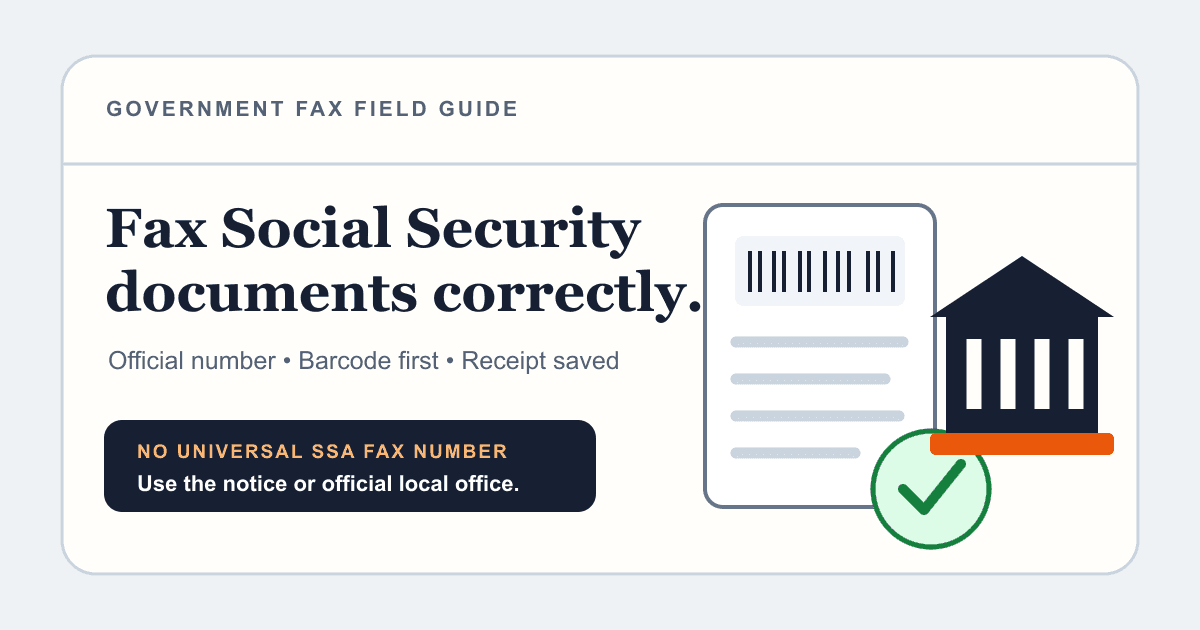
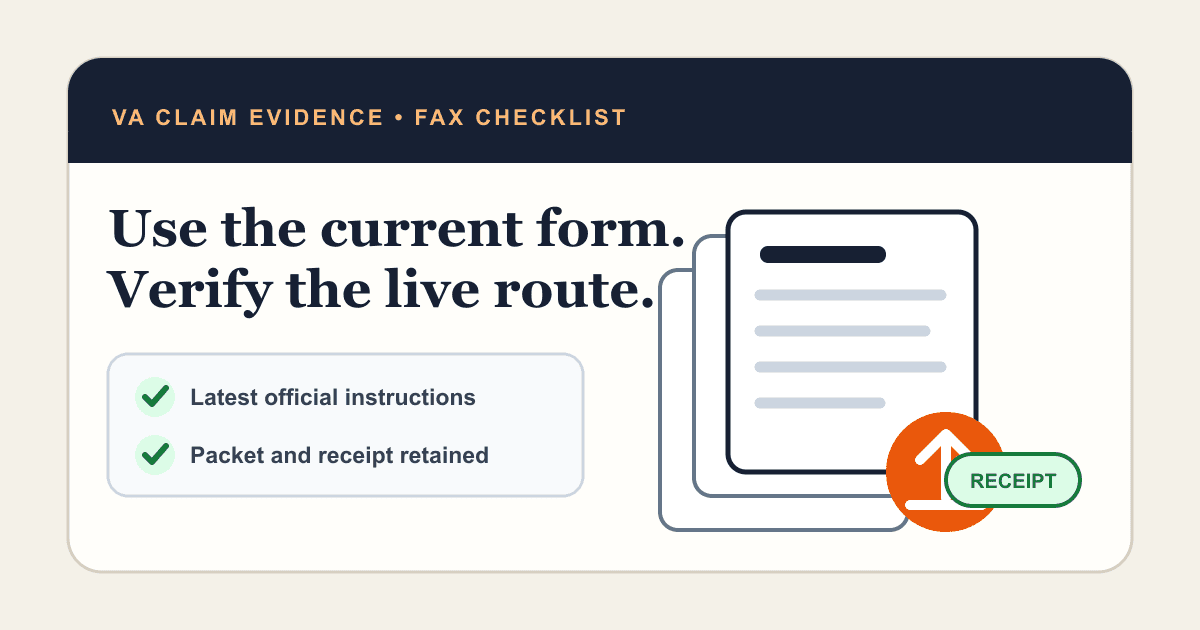
The safest rule is simple: never use a generic fax number from a search result. Use the fax number printed on the official form instructions, the agency notice, your case portal, or a verified agency contact page. If the document is tied to a deadline, case number, claim, or account, call the agency or check the official instructions before sending.
This guide focuses on the practical workflow: verify the destination, prepare a clean PDF packet, include the details the agency needs to route it, send from your computer, and save proof of transmission.
What people usually need to fax to government offices
People usually search for government faxing when they have a specific problem: an agency still asks for fax, the office will not accept email attachments, or a deadline is too close for postal mail. The pattern shows up across tax, immigration, veterans benefits, Social Security, courts, licensing boards, and local government offices.
The document type matters because routing rules are different. A tax authorization, a benefits evidence packet, and a records request may all go to different offices even inside the same government department.
| Situation | What to verify before sending | What to keep |
|---|---|---|
| Tax or business forms | The form-specific IRS or state tax instructions | Confirmation page and a copy of the signed form |
| Benefits or claims evidence | Claim number, evidence intake address, and whether a barcode cover sheet is required | Confirmation page and page count |
| Court or agency notice response | Deadline, attention line, case number, and permitted filing method | Confirmation page and the notice you responded to |
| Records or authorization forms | Identity requirements, signature rules, and destination office | Confirmation page and the completed authorization |
Step 1: Find the correct fax number
Start with the document in front of you. The best source is usually the agency notice, form instructions, online account portal, or official government page for that exact form. If the instructions list several offices, match the routing rule to your state, form type, case type, or business location.
If the instructions are unclear, call the agency using a phone number from the official website, not a third-party directory. Ask whether fax is allowed for your document, which number to use, whether a cover sheet is required, and what information must appear on the first page.
Do not assume one agency has one fax number. Large agencies often route different forms to different processing centers. Sending to the wrong office can delay the file even if the fax technically goes through.
- Use official form instructions or agency notices first.
- Match the fax number to the form, state, claim, case, or department.
- Avoid old forum posts, directory pages, and reused numbers from unrelated forms.
- Write down the source you used to verify the number.
Send when ready
Your final PDF can go straight from browser to fax.
No fax machine or monthly plan. Verify the number, review the page count, and keep the delivery status.
Step 2: Prepare a clean PDF packet
Government offices process large volumes of paperwork, so make the packet easy to route. Put the cover sheet first, then the completed form or letter, then supporting documents in the order requested by the agency. If the notice includes a barcode page or agency-generated cover sheet, keep that page at the front unless the instructions say otherwise.
Flatten fillable PDFs before sending so typed fields and signatures appear correctly. If you scanned paper, use a clear black-and-white or grayscale scan and check every page before upload. A readable 200 to 300 DPI scan is usually better than a huge color photo that creates a large, messy file.
Remove extra pages that the agency did not ask for. A shorter, labeled packet is easier to process and less likely to hit page limits or create confusion.
- Confirm every required signature is present.
- Put forms and evidence in the order requested by the agency.
- Use a PDF when possible so page order and formatting stay stable.
- Check that names, account numbers, case numbers, and dates are readable.
- Do not include original documents unless the agency specifically asks for them.
Step 3: Use a cover sheet that routes the fax
A government fax cover sheet is not just a formality. It helps the receiving office route the document to the right team, case file, or account. Keep it short, but include the details an intake clerk would need if the pages are separated from the original notice.
Use the agency-provided cover sheet if one exists. If you need to create your own, include the destination office, attention line, your name, contact information, the form or notice name, the case or claim number, the total page count, and a one-sentence reason for the fax.
For sensitive paperwork, avoid putting more personal information on the cover sheet than the agency needs to route the packet. The detailed information can stay inside the form itself.
| Cover sheet field | Example |
|---|---|
| To | Agency name and destination office |
| Attention | Team, unit, case worker, or department from the notice |
| Subject | Response to notice, claim evidence, authorization form, or records request |
| Reference | Case number, claim number, account number, or form name |
| Pages | Total page count including the cover sheet |
| Contact | Your phone number and email for follow-up |
Step 4: Send the fax online and save proof
You do not need a physical fax machine to send a government fax. With 1Fax, upload the prepared PDF, enter the verified government fax number, review the page count, and send from your browser. The service handles the outbound fax and provides delivery status so you can keep a record of the attempt.
After sending, save the confirmation page or email with the destination number, timestamp, status, and page count. If the agency later says it did not receive the document, that proof gives you a concrete starting point for follow-up.
If the line is busy or the agency fax system rejects the transmission, do not keep sending blindly to different numbers. Check the failure status, confirm the number, and retry through the same verified route or ask the agency for the correct intake method.
- Save the sent PDF packet exactly as transmitted.
- Save the delivery confirmation and timestamp.
- Record the official source you used for the fax number.
- Follow up with the agency if the filing is urgent or deadline-sensitive.
Common mistakes that delay government faxes
Most failed government fax workflows are not caused by the fax technology itself. They happen because the packet goes to the wrong office, lacks a routing number, uses an unreadable scan, or omits a required signature.
A delivery confirmation means the fax reached the destination fax system. It does not automatically mean the agency accepted the filing, processed the form, or approved the request. Treat delivery proof as part of your record, then follow any agency-specific confirmation process.
- Using a general agency fax number instead of the form-specific number.
- Forgetting the case, claim, account, or notice number.
- Sending photos of documents instead of a clear PDF packet.
- Leaving out the agency barcode or required cover sheet.
- Assuming delivery confirmation means the agency completed processing.
- Waiting until minutes before a deadline to send a long packet.
FAQ: faxing government paperwork
Can I fax a PDF from my computer to a government agency? Yes, if the agency allows fax for that document. Use an online fax service, enter the verified destination number, and keep the delivery confirmation.
Do I need a cover sheet? Use one unless the agency instructions say not to. If the agency provides a barcode page or special cover sheet, use that first.
Should I include a fax number for the agency to reply? Only include a reply fax number if you have one and the agency asks for it. Otherwise, include the contact method requested in the form or notice.
Is faxing better than mailing? Not always. Fax is useful when the agency accepts it and timing matters, but some filings still require mail, portal upload, or original signatures. Follow the official instructions for the exact document.
In summary
Key takeaway
Faxing a government agency is mostly about routing discipline: verify the official number, prepare a clean PDF packet, include the right cover sheet details, and save delivery proof. 1Fax gives occasional senders a way to do that from a browser without buying a fax machine or committing to a monthly plan.