Quick answer
Quick answer
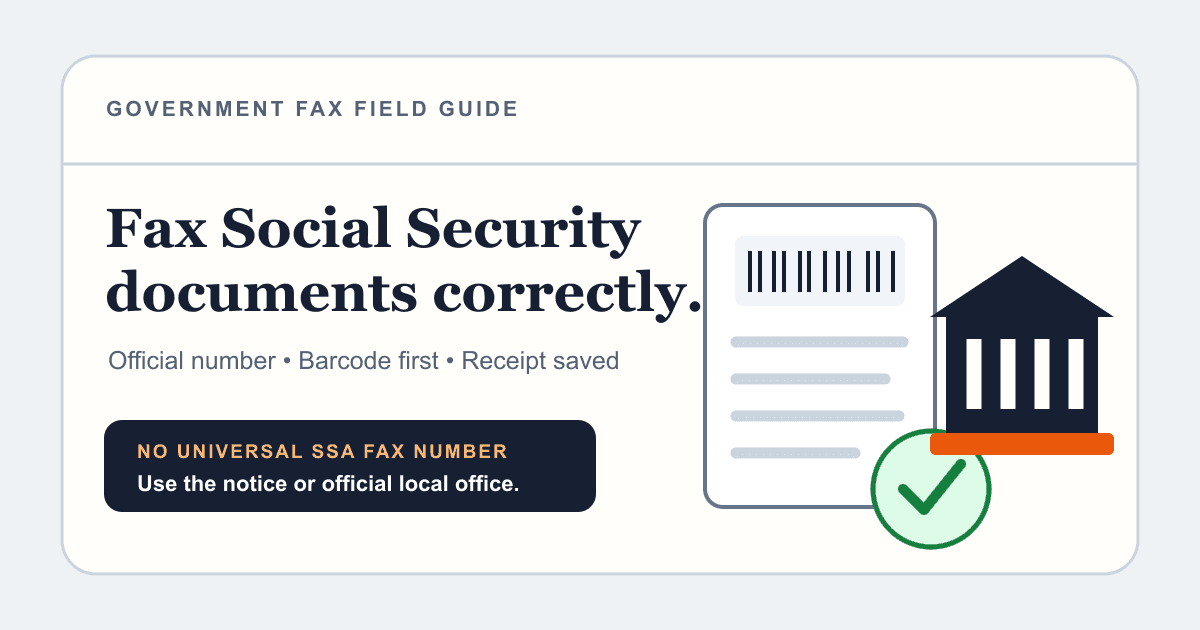
Use the fax number printed on your SSA notice or request letter, or find your local Social Security office through the official locator. If SSA provided a barcode for disability evidence, make that barcode page the first page and do not place a generic cover sheet in front of it. Some original or certified documents cannot be submitted by fax.
What to get right
- There is no single fax number for every Social Security document and office.
- The form, notice, local-office locator, or SSA request letter is the source of truth.
- A barcode supplied for Electronic Records Express must stay on the first page.
- Keep the sent PDF and confirmation, then follow up because faxed items may not appear in online status tools.
Can you fax documents to Social Security?
Yes, for many paper forms and supporting documents. SSA says you may fax or mail paper forms to your local office unless the form gives different instructions. SSA also offers online submission for selected forms and documents.
The method depends on the task. A local-office form, a response to a notice, disability medical evidence, and an original identity document do not necessarily use the same route.
| Situation | Start here | Important caution |
|---|---|---|
| SSA notice or request letter | Use the instructions and fax number on the letter | Case-specific routing overrides a general office number. |
| General paper form | Check the form and local office instructions | Some forms can be submitted online instead. |
| Disability medical evidence with barcode | Use the supplied ERE barcode and fax instructions | The barcode page must be first. |
| Original or certified evidence | Review SSA's original-document requirements | Do not assume a faxed copy is acceptable. |
| Documents eligible for online upload | Use SSA's Upload Documents flow | Online availability depends on the document and account workflow. |
Find the correct SSA fax number
First check the exact notice, form instructions, or request letter. If it directs you to a particular office or number, use that destination. For general local-office submissions, use the official Social Security Office Locator and enter your ZIP code.
Do not use a fax number copied from an unofficial directory, forum, or old article. SSA offices and workloads change, and the wrong office can delay matching the pages to your record.
- Read the form or notice from beginning to end.
- Look for a case-specific fax number or barcode sheet.
- If none is supplied, find the local office through SSA.gov.
- Call the official SSA number if the route is unclear.
- Ask whether fax is accepted for your exact document type.
Special rules for disability evidence and ERE barcodes
Electronic Records Express lets registered and non-registered users submit certain disability-related evidence. When SSA or a state Disability Determination Services office sends a request letter with a barcode, the barcode identifies the claimant and request.
SSA's ERE guidance says the barcode should be the first page when faxing. Do not place a normal cover sheet in front of it. The ERE FAQ also states a fax submission can contain up to 200 pages; divide larger evidence only according to the request instructions.
- Use the barcode for the specific claimant and request.
- Keep the barcode page first.
- For separate record sets, follow SSA instructions for placing the supplied barcode before each document; one generic cover does not replace those barcodes.
- Do not reuse a barcode from another request.
- Keep each transmission within SSA's stated page limit.
- Save the complete evidence packet and transmission receipt.
Send when ready
Your final PDF can go straight from browser to fax.
No fax machine or monthly plan. Verify the number, review the page count, and keep the delivery status.
Prepare the packet so SSA can match it
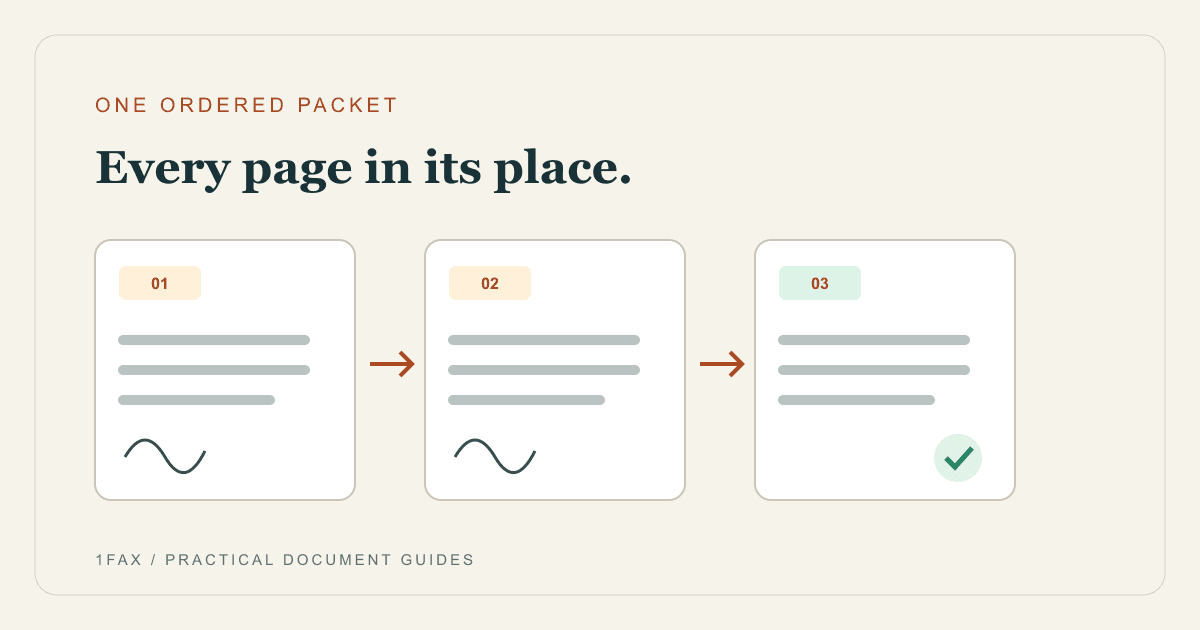
Complete every required field and signature. Put documents in the order requested, keep the barcode or agency-generated routing page first, and remove unrelated duplicates. Make sure claim numbers or reference details appear only where SSA asks for them.
If you do not have a barcode page and SSA permits a cover sheet, include the recipient office, sender contact, subject, total page count, and the identifiers SSA told you to use. Avoid adding sensitive details that are not needed for routing.
Fax Social Security documents online
You do not need a physical fax machine. Scan the completed form and permitted supporting copies into one readable PDF, then use an online fax service to transmit it to the verified number.
- Confirm that fax is an accepted method for the document.
- Verify the number from the notice, request, or official local-office source.
- Place an SSA barcode or routing page first when provided.
- Upload the final PDF and review the total page count.
- Send and save the destination number, timestamp, page count, and delivery status.
Documents that may require an original or certified copy
A fax is a copy. SSA may require original documents or copies certified by the issuing agency for certain identity, citizenship, immigration, age, or vital-record evidence. Its official guidance says not to mail foreign birth records or Department of Homeland Security documents because they can be difficult to replace; those are handled through other official instructions.
Before faxing identity evidence, check the specific SSA requirement. Do not send an image of an original document and assume it replaces an in-person or certified-document process.
Before you upload: check the actual first page
Keep SSA's routing instructions beside your final PDF. If you have a barcoded request letter, preview the assembled fax and make sure an automatically generated cover page has not moved ahead of it. Include routing pages in the total page count.
For separate sets of provider records, follow the barcode instructions for each set. Ask the requesting office how to divide a packet that exceeds its fax limit before sending it in parts.
After the fax says delivered
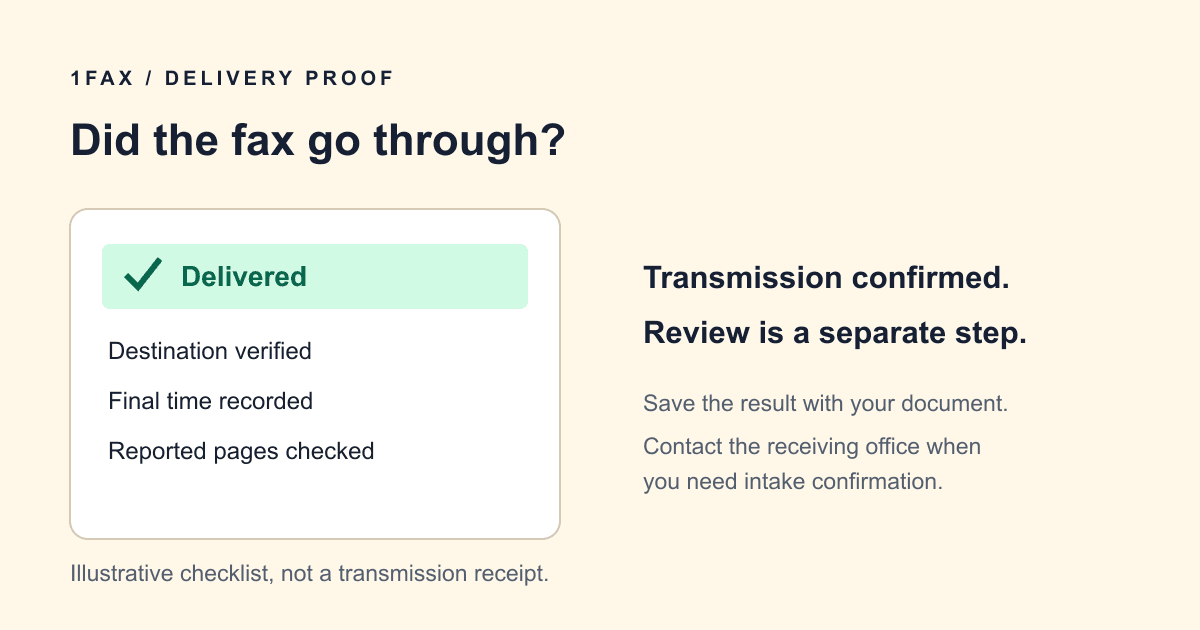
A delivered status means the receiving fax system accepted the transmission. It does not prove that SSA attached it to your record, determined it was sufficient, or completed the requested action.
Keep the exact PDF, receipt, and any request letter. If the submission is deadline-sensitive or your online account does not show an update, contact SSA through its official channel and reference the date, destination, and page count.
Research notes
Official sources used for this guide
Agency, healthcare, and provider instructions can change. Recheck the linked source and the document in front of you before transmitting.
- 01Find your local Social Security office (opens in a new tab)
Social Security Administration
- 02Submit forms and upload documents (opens in a new tab)
Social Security Administration
- 03Social Security forms and submission guidance (opens in a new tab)
Social Security Administration
- 04Electronic Records Express frequently asked questions (opens in a new tab)
Social Security Administration
- 05Original and certified document requirements (opens in a new tab)
Social Security Administration
Common questions
Frequently asked questions
What is the Social Security fax number?
There is no single number for every SSA document. Use the number on your notice or request, or find your local office through the official SSA locator.
Can I fax forms to my local Social Security office?
SSA says paper forms may generally be faxed or mailed to a local office unless the form instructs otherwise. Confirm that your specific form and supporting evidence are eligible.
Do I need a cover sheet for an SSA fax?
Follow the request. If SSA supplied an ERE barcode page, that page must be first and a generic cover sheet should not go in front of it. For other faxes, ask the office what routing details it needs.
Can I fax original identity documents to SSA?
A fax is only a copy. Some SSA evidence requires an original or a copy certified by the issuing agency, so review the official requirement before transmitting.
How do I prove I faxed Social Security?
Keep the final PDF and a confirmation showing the destination fax number, date and time, page count, and delivered status. Follow up with SSA because transmission proof is not processing proof.
In summary
Key takeaway
Successful SSA faxing is mostly about routing. Let the current form, notice, local-office listing, or ERE request control the number and page order. Preserve your packet and confirmation, and verify important submissions through an official SSA channel.