Quick answer
Quick answer
Pay per fax buys an individual send without a recurring subscription. Services may charge by page, packet size, or prepaid credit. Count every page and compare the final total; subscription break-even depends on page count, frequency, and receiving needs.
What to get right
- Per fax does not always mean one flat price.
- Count cover and routing pages.
- Authorization and final payment capture are different.
- There is no universal three-to-five-faxes break-even point.
What pay per fax means
Pay per fax purchases an outbound transmission without a monthly plan. You may pay by page, select a packet tier, or use prepaid credit. The price model alone does not establish whether an account is required or how failed attempts are billed.
A subscription may add a receiving number, recurring volume, managed users, or shared archives. 1Fax is outbound-only, so its sending transactions do not replace a permanent receiving number.
Published transaction pricing checked October 19, 2026
These examples focus on domestic outbound sends. Check the destination-specific checkout and each provider failure or refund policy before paying.
| Service | Published one-time pricing | Check before paying |
|---|---|---|
| 1Fax | Eligible one-page send free; otherwise $1 up to 2 total pages, then $0.50 per extra page | Free eligibility, cover count, and destination. |
| Dropbox Fax | $0.99 up to 10 pages, then $0.20 per extra page | Account setup and starter allowance. |
| GotFreeFax | $1.25 up to 10 pages; $2.45 up to 20; $3.75 up to 30 | US/Canada tier and payment terms. |
| FaxZero paid | $3.29 up to 25 document pages plus optional cover | Paid versus branded free option. |
Count pages rather than attachments
One file can contain several pages. Count forms, exhibits, routing sheets, and an optional cover. At 1Fax, paid domestic totals are $1 for two pages, $1.50 for three, $2.50 for five, and $5 for ten.
An eligible one-page domestic send can be free; otherwise it costs $1. International pricing differs. See the one-time cost comparison and free allowance guide for alternatives.
Send when ready
Your final PDF can go straight from browser to fax.
No fax machine or monthly plan. Verify the number, review the page count, and keep the delivery status.
Calculate the subscription break-even point
There is no reliable universal threshold of three to five faxes monthly. Ten one-page sends and ten twenty-page sends create very different costs. An inbound number can justify a subscription even if you rarely send.
Add expected transaction charges over the same period as the subscription. Compare with the full billed plan cost, overages, taxes, and commitment. An annual plan monthly equivalent is not a one-month purchase.
| Illustrative paid 1Fax domestic usage | Transaction total | What to compare |
|---|---|---|
| Two two-page packets per year | $2 per year | Complete annual subscription bill. |
| Two two-page packets each month | $24 per year | Unused months and receiving requirements. |
| Two ten-page packets each month | $120 per year | Packet offers, plan allowances, and overages. |
| A permanent receiving number is required | Outbound-only does not meet the need | A receiving-capable plan. |
Understand authorization and successful delivery
For a paid 1Fax send, payment is authorized before transmission and captured after successful delivery. An authorization can appear as a pending hold and differs from a settled charge. After final failure, payment is not captured; the card issuer controls when a released hold disappears.
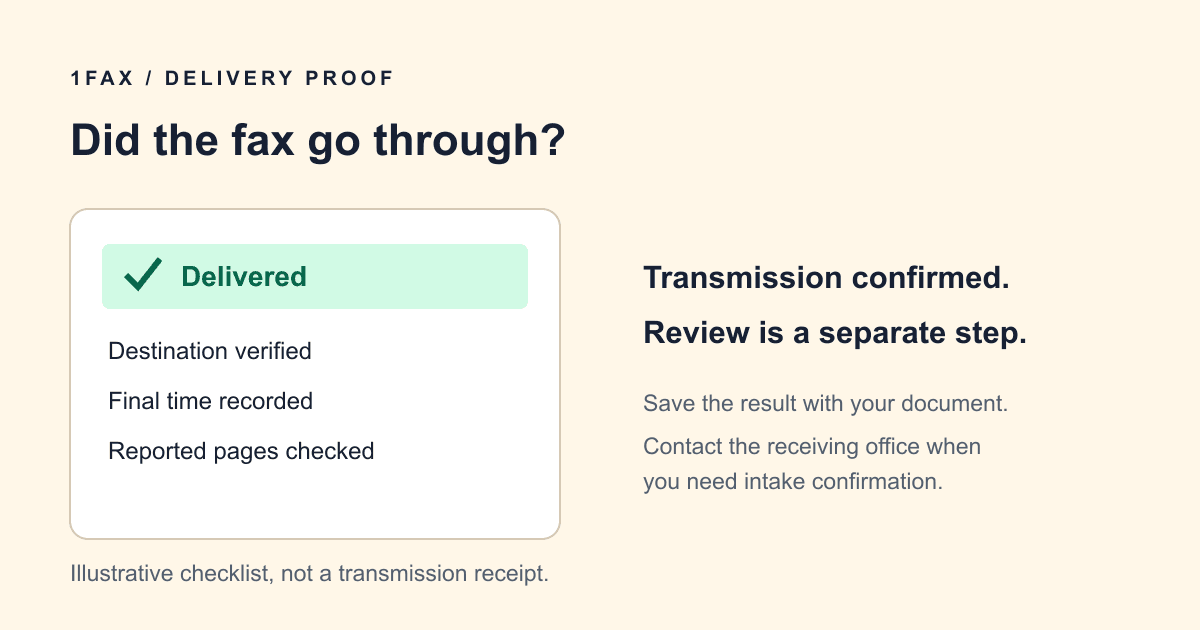
A busy line may generate retry events. Inspect the current attempt before submitting a duplicate. Other providers have their own failure policies. Keep the final result with your packet; the confirmation guide explains which statuses establish transmission.
Send a one-time fax
Upload the reviewed PDF, DOCX, JPG, or PNG, enter the recipient verified number and your email, and inspect the total pages. Include a cover only when useful or required, then review the checkout and authorize a paid send if needed.
Keep the tracking page and wait for a final result. Delivery does not establish staff review or agency acceptance. Read the current privacy and retention policy before uploading sensitive documents.
Research notes
Official sources used for this guide
Agency, healthcare, and provider instructions can change. Recheck the linked source and the document in front of you before transmitting.
- 01
- 02
- 03
- 04
Common questions
Frequently asked questions
Does pay per fax mean unlimited pages for one fee?
No. Providers may use a flat packet tier, a per-page price, or prepaid credit. Check the full page count and specific rule.
What does a 1Fax transaction cost?
An eligible one-page domestic send is free. Other domestic sends cost $1 for up to two total pages, including a cover, then $0.50 per extra page. Check the destination-specific checkout.
Is pay per fax cheaper than a subscription?
Compare expected packet costs with the full subscription bill over the same period. Page count, frequency, annual commitment, overages, and receiving needs determine the answer.
Will a failed 1Fax send be charged?
Payment is captured after successful delivery. A paid send can first create a pending authorization; after final failure it is not captured, and the issuer controls release timing.
Is an account required for a simple 1Fax send?
No. A simple browser send needs the document, verified fax number, and your email for updates. Review the checkout before submitting.
In summary
Key takeaway
Use pay per fax when a single outbound transaction meets your needs. Compare complete packets, distinguish authorization from capture, and use actual usage rather than a universal fax-count threshold to evaluate a subscription.