Quick answer
Quick answer
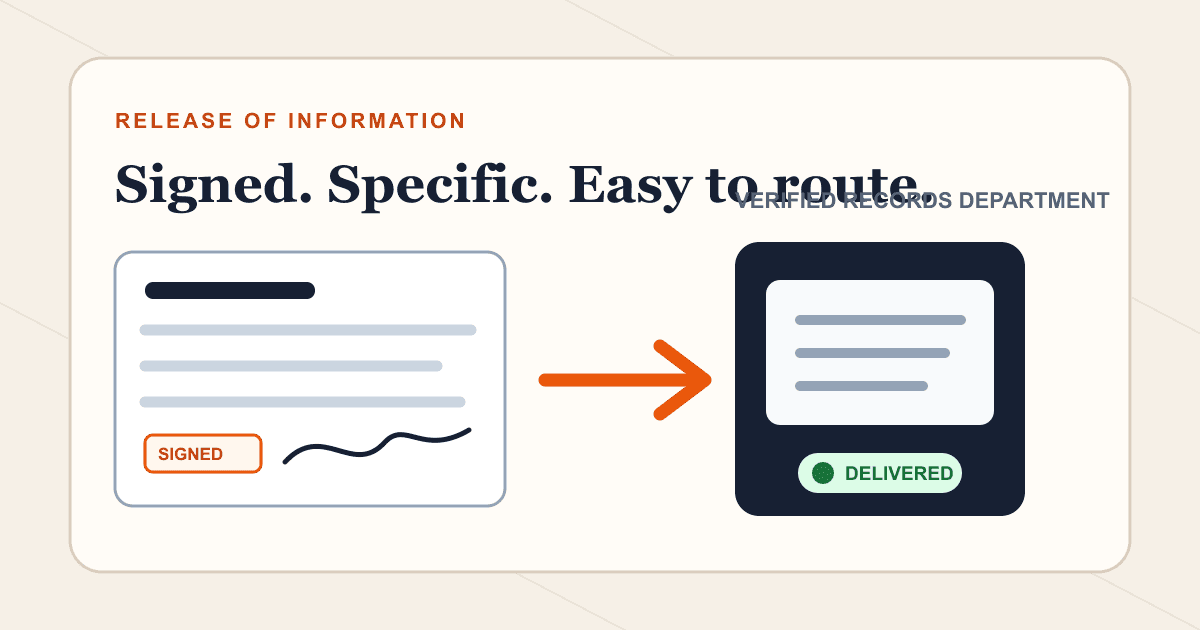
Use the healthcare provider's own release or access-request form whenever possible. Complete the patient identity, records scope, date range, destination, delivery method, signature, and date; fax it to the provider's verified records department; then keep the delivery confirmation and follow up after the provider's normal processing window.
What to get right
- A release form requests or authorizes disclosure; it is different from the medical records being released.
- Provider-specific forms reduce delays because they already contain the office's required fields and routing.
- Missing signatures, unclear date ranges, and an incomplete destination are common reasons a request stalls.
- Fax delivery confirms transmission, not approval, identity verification, fee payment, or record fulfillment.
Release form, access request, and medical records are not the same thing
A release of information form authorizes a provider to disclose specified health information. A right-of-access request asks a covered provider or plan to give you a copy of your information. The medical records are the reports, notes, images, results, and other content produced after the request is processed.
Knowing which item you are sending prevents a common mistake: faxing a blank authorization to a new doctor when the current provider's records department actually needs the signed form, or faxing records before the receiving doctor has explained what it needs.
| Item | What it does | Where it usually goes |
|---|---|---|
| Release or authorization form | Permits a defined disclosure | The provider or plan holding the records |
| Access request | Asks for a copy for you or a designated recipient | The provider's health information or records office |
| Medical records packet | Contains the actual requested information | You or the recipient named in the request |
| Doctor referral | Communicates a treatment request or order | The receiving practice's referral department |
Start with the provider's official form
Look in the patient portal or on the provider's official website for a Release of Information, Authorization to Disclose, or Request for Access form. If you cannot find it, call the health information management or medical records department.
Ask whether the office accepts the signed form by fax, which number to use, whether identity documents are required, whether fees apply, and how it will notify you if something is missing. State law and the type of record can add requirements, so the provider's current instructions take priority over a generic template.
Complete every field that controls the release
Write legibly and use the same identifying information the provider has on file. Be specific about the records and dates. An open-ended request may take longer, cost more, or include information the recipient does not need.
| Field | What to enter | Why it matters |
|---|---|---|
| Patient identity | Legal name, date of birth, and requested account identifier | Helps the provider find the correct chart. |
| Holder of the records | Provider, facility, or health plan name | Clarifies who is authorized to release information. |
| Recipient | Person or organization and exact delivery destination | HHS guidance requires a designated third party to be clearly identified. |
| Scope and date range | Specific reports, visits, or dates | Limits the request to relevant information. |
| Purpose and expiration | Complete when the form requires them | Defines how and how long the authorization applies. |
| Signature and date | Patient or authorized representative | An unsigned or undated request may be rejected. |
| Representative authority | Documentation requested by the provider | May be needed for a minor, guardian, estate, or personal representative. |
Send when ready
Your final PDF can go straight from browser to fax.
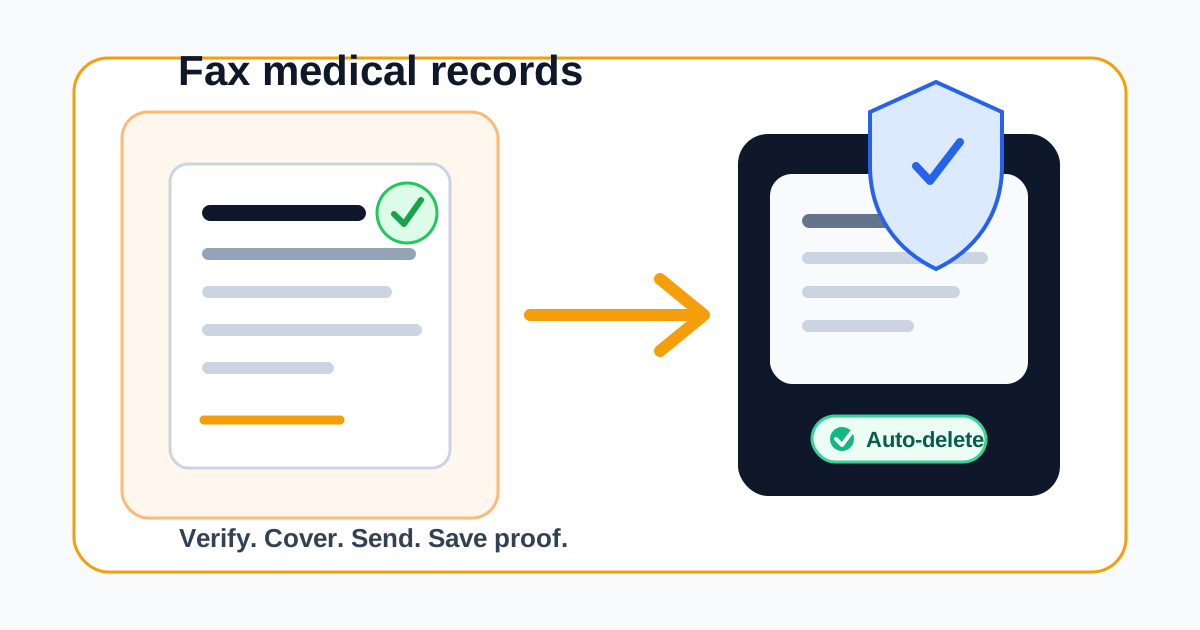
No fax machine or monthly plan. Verify the number, review the page count, and keep the delivery status.
Scan the signed form into a final PDF
After signing, scan the form rather than taking a quick angled photo. Check that all boxes, initials, signatures, and identification attachments are visible. Do not email yourself an unprotected copy just to move it between devices if a direct scan or secure file transfer is available.
Keep the provider's barcode or routing sheet as the first page when supplied. Add a separate cover sheet only if the provider allows it and the routing sheet does not already serve that function.
- Confirm every required signature and date.
- Check the document at full size for blur or cropped edges.
- Put pages in the provider's requested order.
- Remove duplicate pages and unrelated health information.
- Save one final version so your retained copy matches the transmitted copy.
Fax the release form in six steps
A faxed or electronically submitted copy of a signed request can be accepted under HHS guidance, but the provider may still need to verify identity or authority. Follow its stated process.
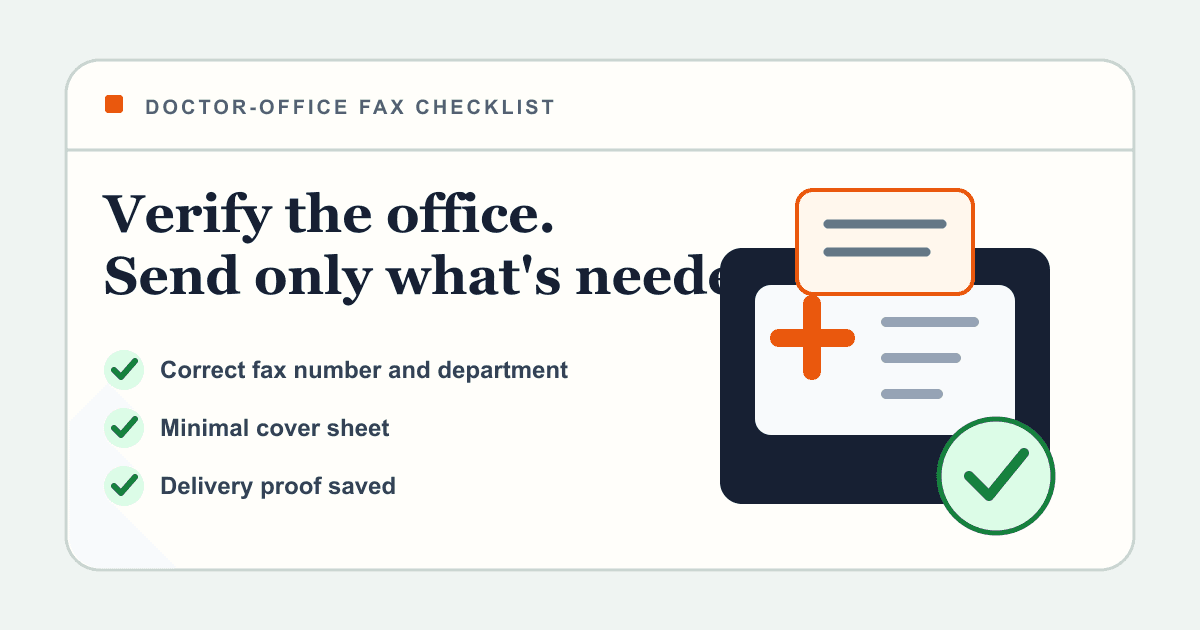
- Confirm that fax is accepted and verify the records-department number.
- Upload the final signed PDF to 1Fax.
- Enter the verified fax number and a minimal attention line.
- Review the page count and every digit before sending.
- Track the transmission and save the delivery confirmation.
- Follow up using the provider's official contact channel if no acknowledgment arrives.
How long a medical records request can take
Under the HIPAA right of access, a covered entity generally must act on a request within 30 calendar days. In some circumstances it may take one additional 30-day extension if it gives the individual a written reason and expected completion date. State law may require a faster response.
That clock concerns the provider's response to a valid request; a fax status does not tell you whether the form was complete, whether identity was verified, or when the requested records will be delivered. Ask the provider for its expected processing window.
Why release forms get delayed
Most delays are administrative rather than technical. A clear transmission can still sit unmatched if the patient name differs from the chart, the recipient is vague, the form is unsigned, or the requested date range is missing.
- Using a generic form when the provider requires its own version.
- Sending to the clinical office instead of the records department.
- Leaving the recipient, delivery address, or fax number incomplete.
- Requesting 'all records' without a date range when narrower records would work.
- Missing a signature, date, witness, or representative document.
- Assuming delivered means the request was accepted and processed.
Research notes
Official sources used for this guide
Agency, healthcare, and provider instructions can change. Recheck the linked source and the document in front of you before transmitting.
- 01Individuals' right under HIPAA to access health information (opens in a new tab)
U.S. Department of Health and Human Services
- 02Sending a signed access request to a third party (opens in a new tab)
U.S. Department of Health and Human Services
- 03Your rights to medical records (opens in a new tab)
U.S. Department of Health and Human Services
- 04
Common questions
Frequently asked questions
Can I fax a signed medical release form?
Often yes. HHS guidance recognizes faxed or electronic copies of signed access requests, but the provider's current instructions control the destination, identity checks, and required form.
Do I fax the release form to the old doctor or the new doctor?
Usually the form goes to the provider or health plan that currently holds the records. The form identifies where that holder should send the records, such as a new doctor or you.
How long does a provider have to respond?
The HIPAA right-of-access rule generally requires action within 30 calendar days, with a limited additional extension in some cases. Faster state rules may apply, and incomplete requests can delay the process.
Does a fax receipt prove my release was approved?
No. It proves transmission to the destination system. The provider may still need to match the patient, validate the signature, verify identity, collect an allowed fee, or clarify the request.
Should I include my Social Security number on the cover sheet?
Avoid putting highly sensitive identifiers on a cover sheet unless the provider specifically requires them for routing. Ask which identifiers it needs and place protected details in the form itself when possible.
In summary
Key takeaway
The best medical release fax is specific, signed, and easy to route. Use the provider's form, define exactly what should be released and where it should go, transmit it to a verified number, and keep both the final PDF and the delivery confirmation until the request is fulfilled.