Quick answer
Quick answer
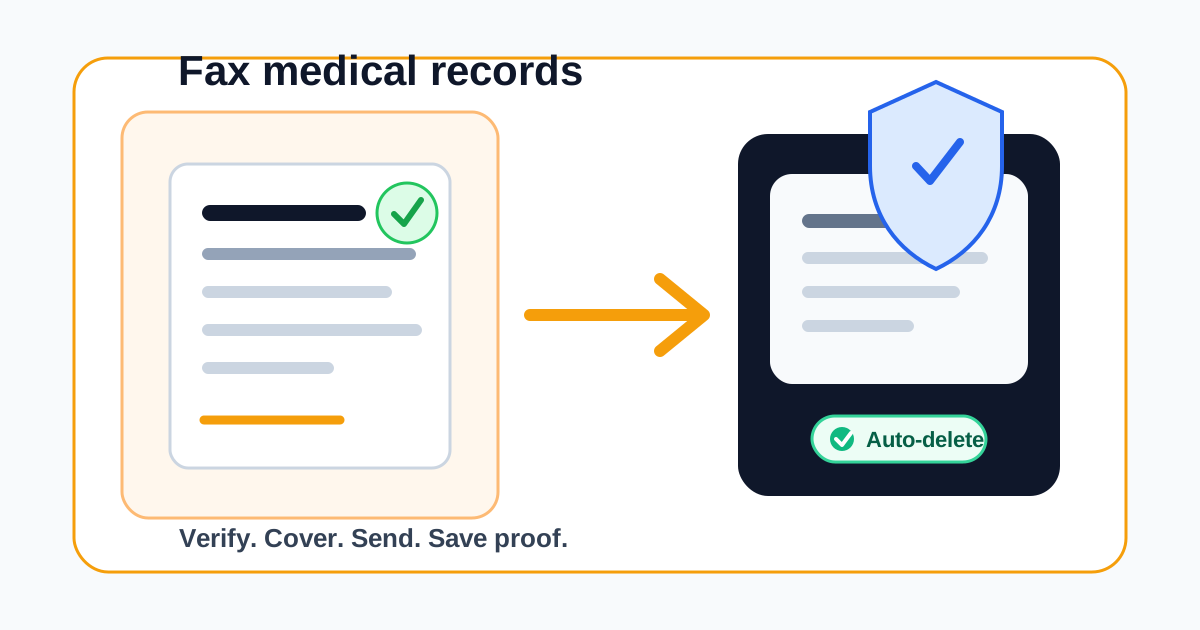
Need to send medical records to a doctor, specialist, insurance company, school, attorney, or patient portal team? This guide explains how to prepare the packet, verify the fax number, protect sensitive information, and use 1Fax when you need a one-time secure fax without long-term file storage.
Quick answer: fax only the records the recipient actually needs
Medical records can contain protected health information, insurance details, diagnoses, medication lists, lab results, Social Security numbers, and billing information. The safest fax is the smallest complete packet that solves the recipient's request.
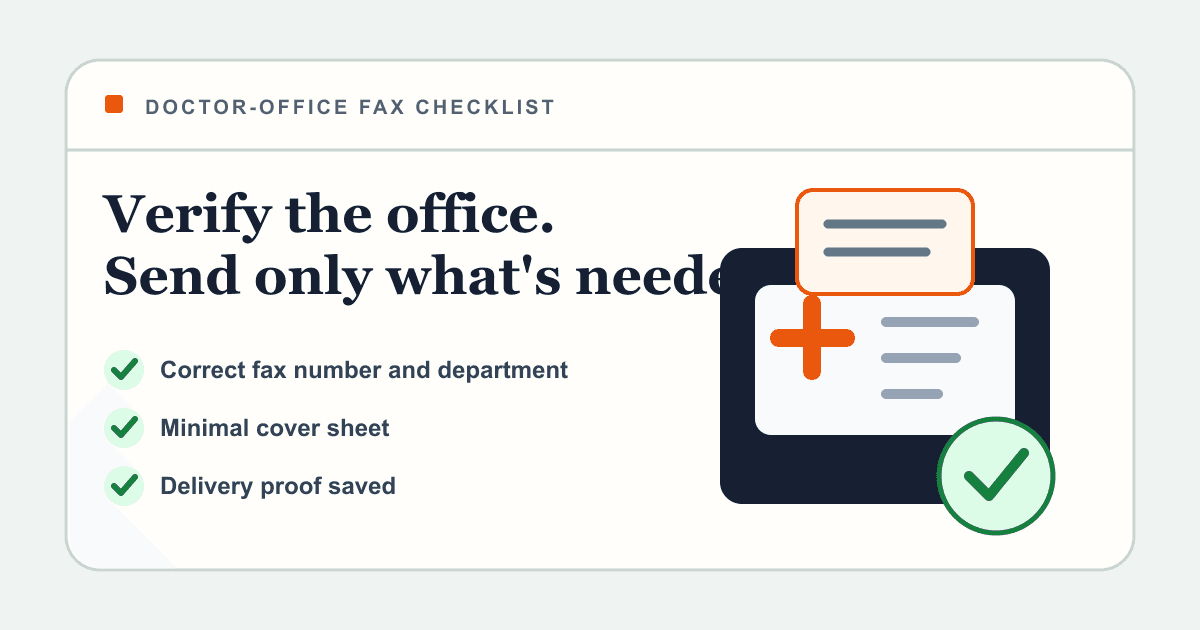
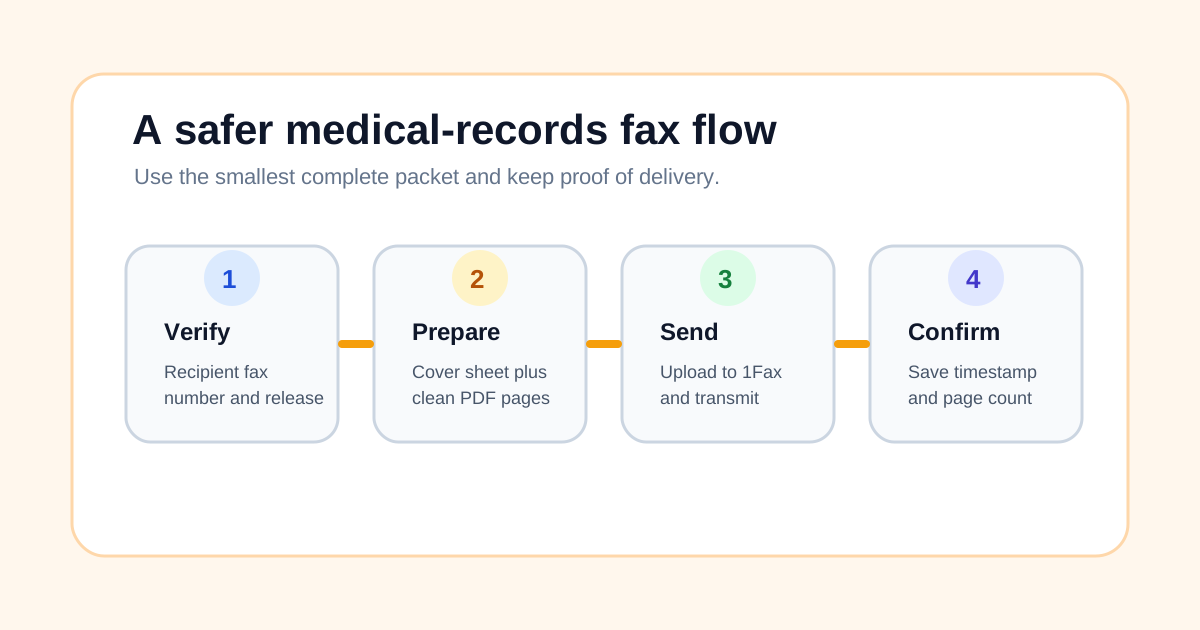
Before sending, confirm that the recipient accepts fax, verify the destination number from an official source, prepare a clean PDF, add a cover sheet, and keep proof of delivery. If you are a healthcare provider or another HIPAA covered entity, confirm whether your workflow requires a Business Associate Agreement before transmitting PHI through any vendor.
| Sender | Common reason to fax records | Extra check |
|---|---|---|
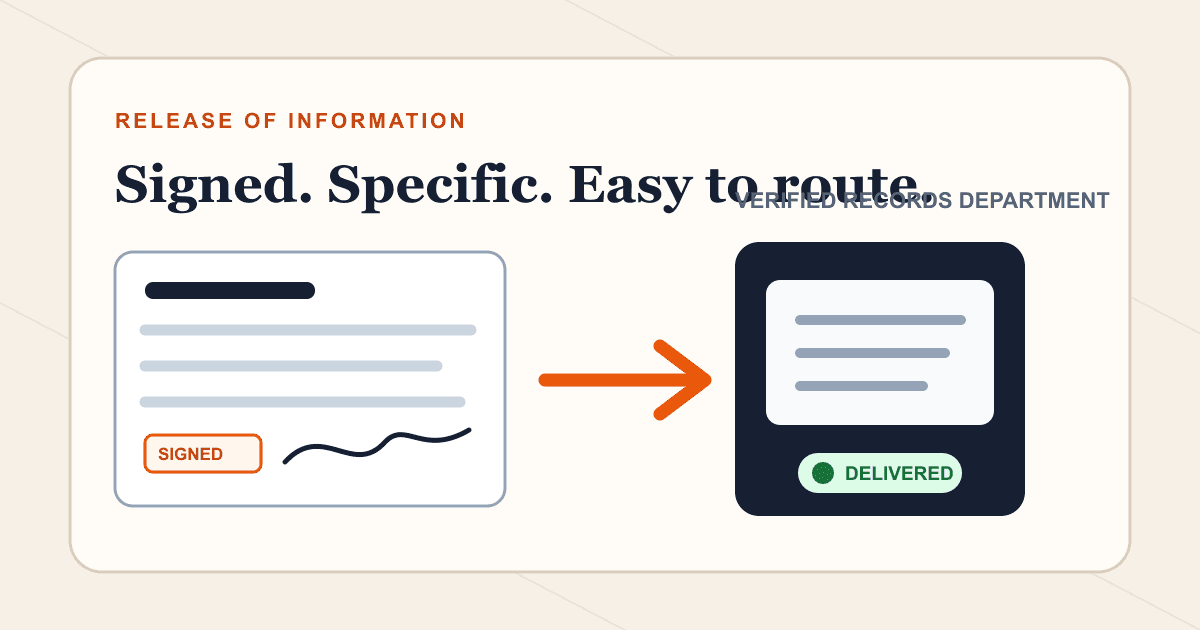
| Patient or caregiver | Send records to a new doctor, specialist, insurer, school, employer, or attorney. | Confirm the recipient's fax number and whether a signed release is required. |
| Clinic or provider | Send records for treatment, referral, billing, prior authorization, or continuity of care. | Follow HIPAA policies, minimum necessary rules, and BAA requirements. |
| Legal or insurance requester | Send a signed authorization, claim packet, or requested medical documentation. | Match the records to the request and include the claim or case number. |
| One-time sender | Send a short packet without buying a fax machine or monthly subscription. | Use a service with delivery proof and short document retention. |
What medical records are usually sent by fax?
Fax is still common in healthcare because many clinics, hospitals, insurers, pharmacies, schools, and legal offices already have fax intake workflows. The document type matters because the recipient may need a signed authorization, a patient identifier, or a specific attention line.
If the recipient gave you written instructions, follow those first. If they did not, call the office using a number from its official website or portal and ask exactly what they need.
- Medical record release forms and HIPAA authorizations.
- Lab results, imaging reports, visit summaries, and discharge summaries.
- Medication lists, immunization records, and referral packets.
- Prior authorization documents and insurance claim records.
- School, employer, legal, or disability paperwork that requires medical proof.
- Patient-requested records being sent to another healthcare provider.
How to fax medical records online in 7 steps
The process is straightforward, but each step reduces a real privacy or routing risk. Do not rush the number check. A mistyped fax number is one of the easiest ways to expose sensitive information.
With 1Fax, you can send from a browser without creating a monthly fax account. Upload the prepared file, enter the verified fax number, review the page count, and send.
- Ask the recipient which records they need and whether they require a release form.
- Verify the fax number from the clinic, insurer, portal, letter, or official website.
- Remove pages that are not needed for the request.
- Scan or save the records as one clear PDF in the correct order.
- Add a cover sheet with patient name, date of birth, recipient, sender, page count, and attention line.
- Upload the PDF to 1Fax, enter the verified fax number, and send.
- Save the delivery confirmation, timestamp, destination number, and page count.
Send when ready
Your final PDF can go straight from browser to fax.
No fax machine or monthly plan. Verify the number, review the page count, and keep the delivery status.
What to put on a medical records fax cover sheet
A cover sheet helps the receiving office route the records without forcing staff to inspect every page first. It also gives you a place to mark the packet as confidential and include a callback number if the fax is incomplete.
Keep the cover sheet useful but minimal. Do not put full clinical details on the cover sheet unless the recipient specifically asked for them.
| Cover sheet field | What to include |
|---|---|
| To | Clinic, department, attention line, doctor, insurer, school, attorney, or records team. |
| From | Patient, caregiver, clinic, provider, or authorized sender. |
| Patient identifier | Patient name, date of birth, member ID, claim number, or medical record number as requested. |
| Subject | Short purpose such as referral records, claim documents, or records release. |
| Page count | Total pages including the cover sheet. |
| Callback | Phone number or email for missing pages, wrong recipient, or questions. |
Why 1Fax is safer for one-time medical record sends
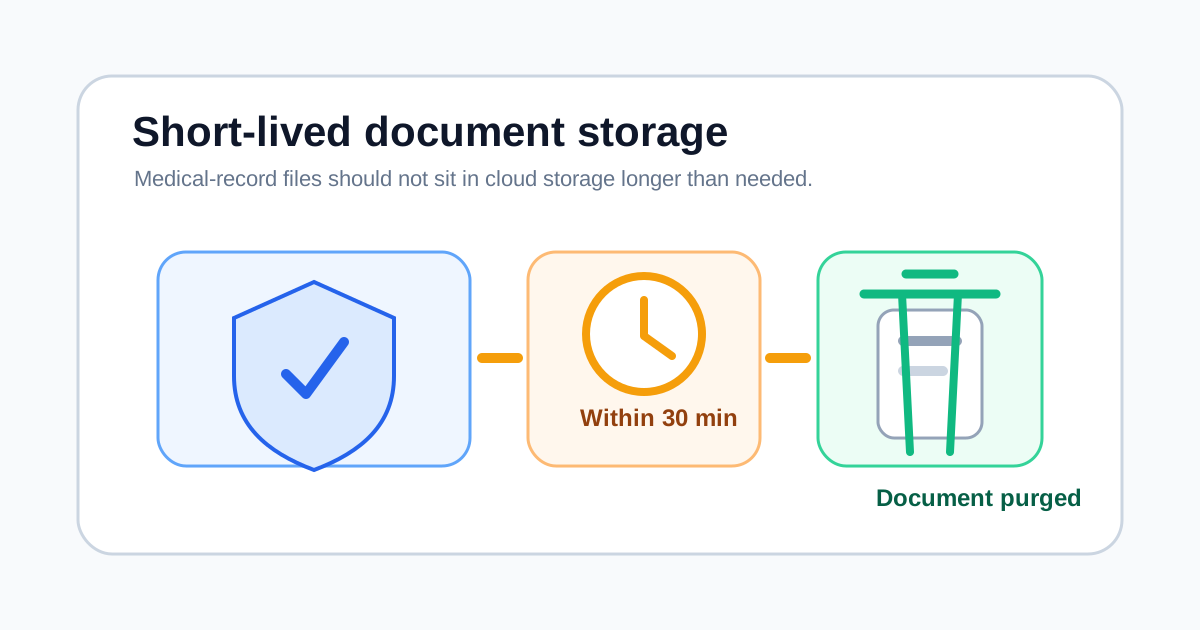
The risk with many online tools is not only the transmission. It is what happens after upload. Sensitive files should not remain in a cloud inbox or document library longer than necessary.
1Fax uses encrypted HTTPS uploads, stores uploaded documents in private restricted storage, sends through a fax provider, and automatically deletes uploaded fax documents within 30 minutes after delivery or final failure. 1Fax keeps limited metadata, such as recipient number, timestamps, and delivery status, for support and status history, but it does not keep the fax document content beyond the short deletion window described in the privacy policy.
| Privacy feature | Why it matters for medical records |
|---|---|
| Encrypted upload | Protects the file while you upload it from your browser. |
| Private storage bucket | Keeps uploaded records out of public access while the fax is being processed. |
| Automatic deletion | Removes document content within 30 minutes after delivery or final failure. |
| Delivery proof | Gives you a timestamped record that the fax attempt was delivered or failed. |
| No monthly inbox | Reduces the chance that old medical files sit in a long-term fax account. |
HIPAA basics: what patients and providers should know
HIPAA does not ban faxing medical records. HHS guidance focuses on using reasonable safeguards, limiting unnecessary disclosure, and giving individuals access to their own records. Covered entities and business associates have additional duties that ordinary patients do not have.
If you are a patient sending your own records, your practical job is to verify the recipient, send only what is needed, and save confirmation. If you are a clinic, provider, billing company, or other covered workflow, follow your organization's HIPAA policies and confirm BAA requirements before using any fax vendor. 1Fax can discuss BAA needs with covered entities.
- Verify the recipient before sending PHI.
- Use the minimum necessary information for the request when HIPAA requires that standard.
- Use a cover sheet and clear routing details.
- Limit who can access the uploaded file and delivery status.
- Keep proof of delivery but avoid keeping extra copies of the records.
Medical records fax checklist
Use this checklist before you send. It is especially helpful when you are faxing records for a deadline, appointment, claim, school form, disability case, or legal request.
| Check | Done when |
|---|---|
| Authorization | The patient signed any required release or the request fits the recipient's treatment/payment/operations workflow. |
| Recipient | The fax number came from the official office, portal, letter, or staff member. |
| Packet | The PDF includes only the pages needed and is readable in black and white. |
| Cover sheet | It includes recipient, sender, patient identifier, page count, and callback details. |
| Privacy | You are comfortable with the provider's upload, storage, transmission, and deletion policy. |
| Proof | You saved confirmation with destination number, timestamp, status, and page count. |
Common mistakes when faxing medical records
Most medical-record fax problems are avoidable. The biggest issues are wrong numbers, incomplete authorization, unreadable scans, missing identifiers, and sending too much information.
If a fax fails, do not immediately resend to a different number from a search result. Reconfirm the right department first.
- Using an old fax number from a third-party directory.
- Skipping a required records release or authorization form.
- Sending a blurry photo instead of a clean PDF scan.
- Forgetting the patient's date of birth, member ID, claim number, or attention line.
- Including an entire chart when the recipient only needs one report.
- Assuming email is safer than fax for sensitive medical attachments.
Research sources checked
This article was written after reviewing the competing eFax medical-records guide, HHS HIPAA guidance, and current 1Fax privacy/product copy on May 6, 2026. Healthcare rules and provider policies can vary, so always follow the recipient's current instructions.
- eFax medical records guide: https://www.efax.com/how-to/fax-medical-records (opens in a new tab)
- HHS HIPAA right of access guidance: https://www.hhs.gov/hipaa/for-professionals/privacy/guidance/access/index.html (opens in a new tab)
- HHS HIPAA minimum necessary guidance: https://www.hhs.gov/hipaa/for-professionals/privacy/guidance/minimum-necessary-requirement/index.html (opens in a new tab)
- HHS HIPAA privacy rule summary: https://www.hhs.gov/hipaa/for-professionals/privacy/laws-regulations/index.html (opens in a new tab)
- 1Fax privacy policy: https://1fax.com/privacy (opens in a new tab)
Common questions
Frequently asked questions
Can I fax medical records online?
Yes, if the recipient accepts fax and you are authorized to send the records. Verify the fax number, prepare a clean PDF, include a cover sheet, and keep delivery confirmation.
Is faxing medical records HIPAA compliant?
Faxing can be part of a HIPAA-compliant workflow when covered entities use reasonable safeguards, verify recipients, limit unnecessary disclosure, and meet any BAA requirements. Patients sending their own records should still use strong privacy practices.
Does 1Fax delete medical records after sending?
1Fax automatically deletes uploaded fax documents within 30 minutes after delivery or final failure. Limited fax metadata may be retained for support and status history, but the document content is not kept beyond that short deletion window.
What should be on a medical records fax cover sheet?
Include recipient, sender, patient identifier, attention line, subject, page count, and callback details. Keep clinical details off the cover sheet unless the recipient asks for them.
Should I fax an entire medical chart?
Usually no. Send only the records needed for the request, such as a specific report, visit summary, release form, claim document, or referral packet.
In summary
Key takeaway
Faxing medical records safely is about preparation and retention discipline: verify the recipient, send only the needed pages, add a clear cover sheet, and keep proof of delivery. 1Fax gives one-time senders a browser-based way to transmit medical records without a fax machine, monthly plan, or long-term storage of sensitive document content.