
Quick answer
Quick answer
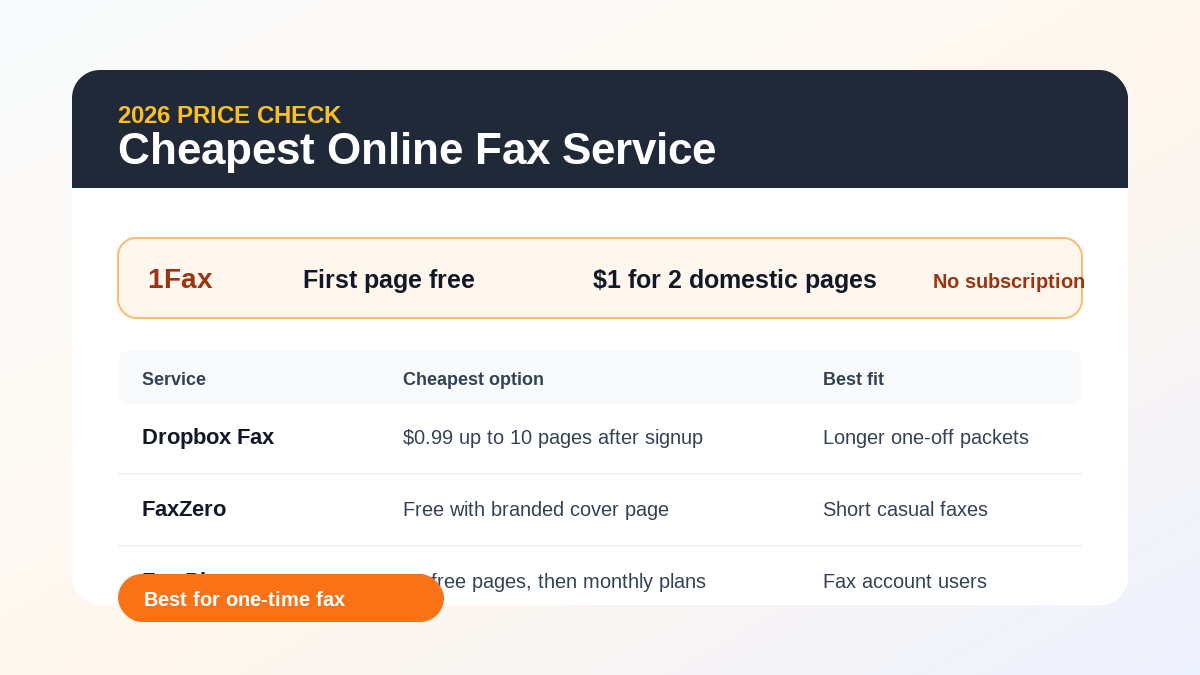
For an eligible one-page domestic fax, 1Fax starts free. GotFreeFax offers three pages per free fax twice daily; FaxZero allows three document pages plus a branded cover five times daily. Fax.Plus and Dropbox Fax offer account-based starter pages. FaxBurner gives five sending pages for the account lifetime, not every month.
What to get right
- Separate daily free limits from one-time account allowances.
- A trial that renews differs from a free plan.
- Check cover-page and destination rules.
- Free pricing does not establish HIPAA suitability.
How this comparison was prepared
This guide reviews published offers checked on October 19, 2026. It is not a controlled transmission benchmark. We do not assign test scores, certify compliance, or promise delivery times.
Check whether your complete packet qualifies today. Some allowances reset daily, while others are a single starter grant. A free plan and a subscription trial may also have different payment requirements.
Six free options and their main restrictions
The allowances below describe sending. Receiving is a separate feature, and a temporary number is different from a permanent number you can give a doctor or agency.
| Service | Free outbound allowance | Setup or condition |
|---|---|---|
| 1Fax | One total domestic page when eligible | Browser send without an account; quota and destination rules apply. |
| GotFreeFax | Up to 3 pages per fax, twice daily | US/Canada; email confirmation; no service branding. |
| FaxZero | Up to 3 document pages plus cover, 5 times daily | US/Canada; FaxZero-branded cover. |
| Fax.Plus | 10 pages in total | Account-based starter allowance, not monthly pages. |
| Dropbox Fax | 5 starter pages; optional actions can earn more | Account required; additional pages depend on completed actions. |
| FaxBurner | 5 sending pages for the account lifetime | Account required; receiving has a separate allowance. |
Choose by complete packet size
A single-page form may fit an eligible 1Fax free send, but adding a cover makes it two total pages. Inspect the assembled preview and total. For two or three document pages, compare the multi-page allowances and each service cover rule.
For a larger packet, an account starter allowance or paid packet may fit better. Keep a required barcode or routing page in its specified position. Splitting a submission merely to fit a free limit can conflict with recipient instructions.
Follow the online fax steps to prepare the packet and use the one-time price comparison when it exceeds a free allowance.
Send when ready
Your final PDF can go straight from browser to fax.
No fax machine or monthly plan. Verify the number, review the page count, and keep the delivery status.
Understand lifetime and monthly allowances
FaxBurner support distinguishes five lifetime outbound pages from 25 received pages per month. Its free receiving number lasts 24 hours. That does not provide five new sending pages monthly or a permanent reply number.
Fax.Plus describes ten free pages in total. Dropbox Fax supplies starter pages after account creation, with optional actions for additional pages. Track sending and receiving allowances separately.
Review privacy and payment terms
Read how the provider stores and deletes documents, whether a cover carries branding, and who can access a delivery link. Price alone does not establish security.
An encrypted upload or a cover notice does not establish an approved healthcare workflow or a signed Business Associate Agreement. Workforce medical records should use the system approved by the organization. Before entering payment details for a trial, check renewal and cancellation terms.
Wait for the final result
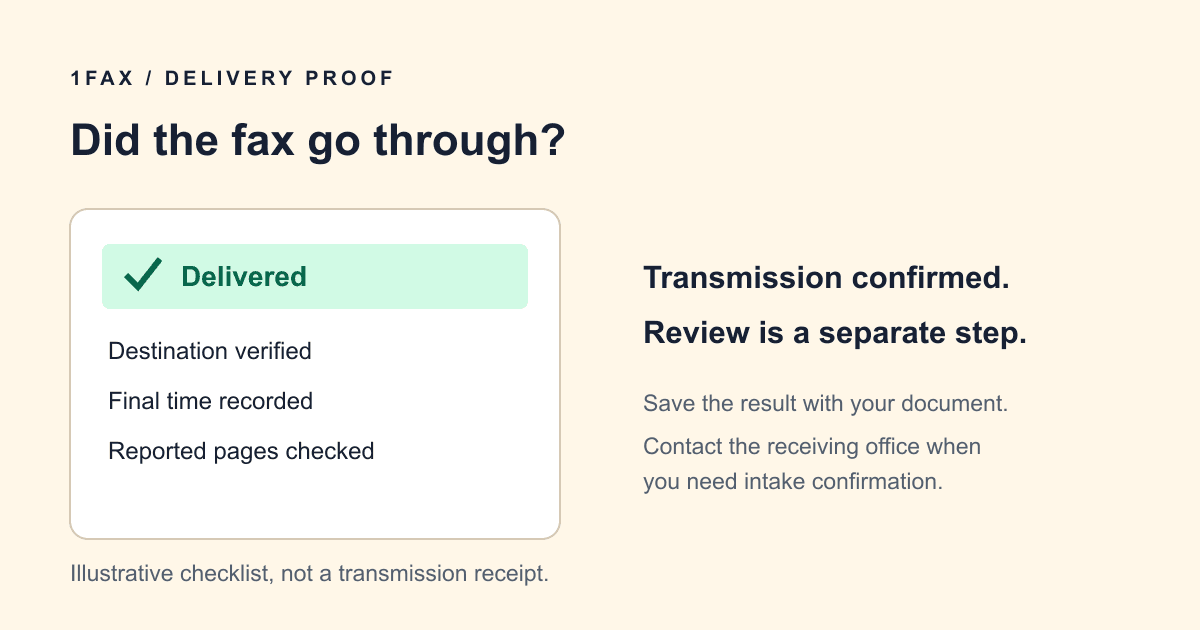
A successful upload, email-confirmation step, or queued status alone does not prove transmission. Save the final delivered or failed result with the exact file version you sent.
Delivered records transmission to the receiving endpoint, not staff review or filing acceptance. The delivery confirmation guide explains which details to retain and when to follow up.
Research notes
Official sources used for this guide
Agency, healthcare, and provider instructions can change. Recheck the linked source and the document in front of you before transmitting.
- 01
- 02
- 03
- 04
- 05FaxBurner sending and receiving limits (opens in a new tab)
FaxBurner Support
Common questions
Frequently asked questions
Can I send a free online fax without a credit card?
Yes, when the packet and destination fit the provider allowance. 1Fax offers an eligible one-page domestic send; GotFreeFax and FaxZero publish limited multi-page free offers. Check the complete page count first.
Does FaxBurner provide five free sending pages every month?
No. FaxBurner support says free accounts receive five outbound pages for the lifetime of the account. Its monthly receiving allowance is separate.
Do free page limits include the cover?
Rules differ. 1Fax counts the cover in total pages, while FaxZero lists three document pages plus its branded cover. Check the provider rule.
Are these rankings based on delivery tests?
No. This comparison reviews published allowances and workflow conditions. It does not report controlled delivery speed or image-quality tests.
In summary
Key takeaway
Choose a free allowance that fits the complete packet and your privacy needs. Check reset periods, cover rules, and the final result. If it does not qualify, compare one-time totals before paying.