Quick answer
Quick answer
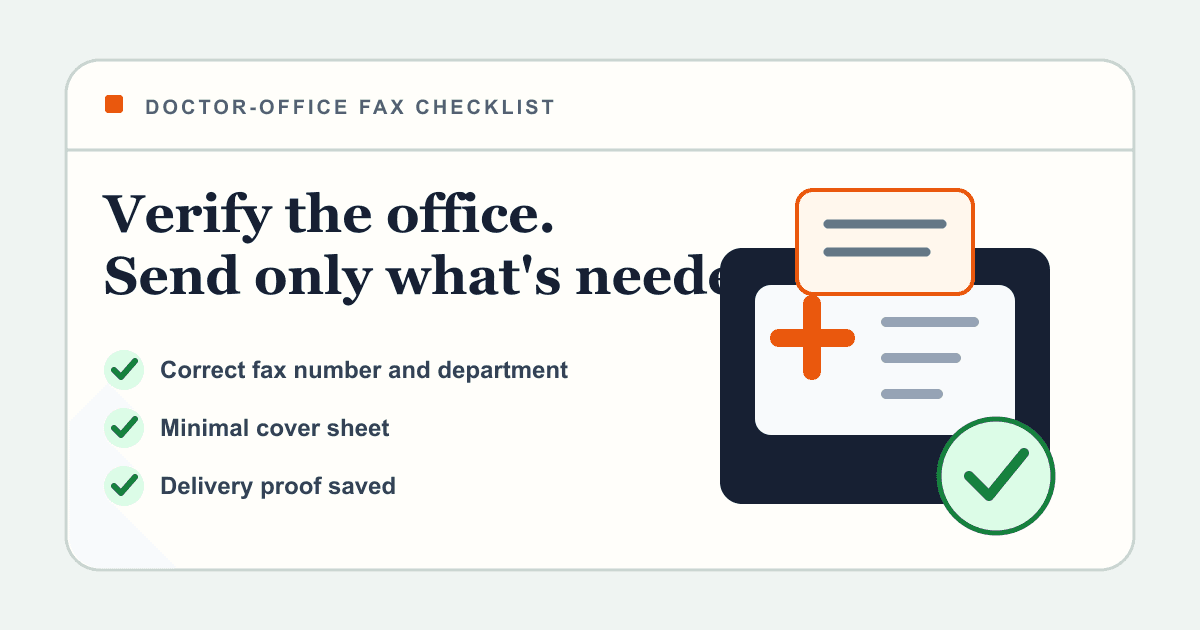
Call the doctor's office or use its official patient instructions to confirm the exact fax number, department, and attention line. Send one clear PDF with a minimal cover sheet, save the delivery confirmation, and follow up with the office when the document affects an appointment, referral, medication, or deadline.
What to get right
- Confirm that the office accepts your document by fax and ask which department should receive it.
- Verify every digit of the fax number directly with the office or an official patient document.
- Keep sensitive details off the cover sheet unless the office specifically requires them.
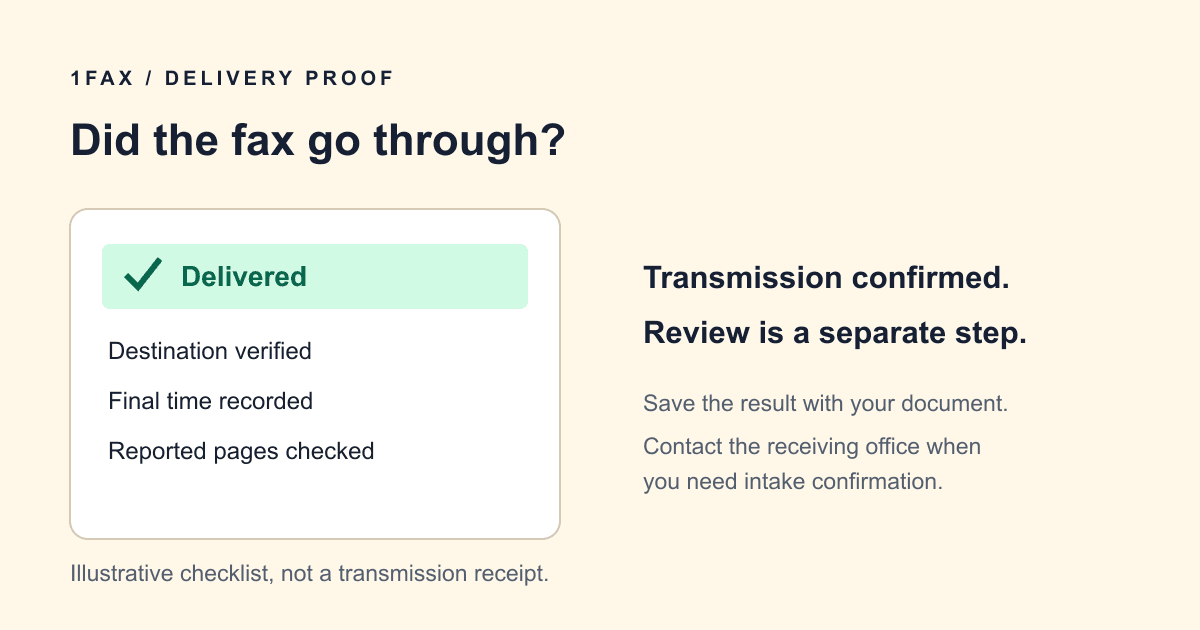
- A delivered fax is transmission proof, not proof that the care team reviewed or filed it.
Before sending, ask the doctor's office four questions
Doctor's offices often use different fax numbers for referrals, medical records, billing, prior authorization, and general front-desk paperwork. A number on a third-party directory may be outdated or may reach the wrong team.
Call the number on the practice's official website, patient portal, appointment paperwork, or insurance directory. Do not read sensitive medical details to verify the route; you only need to confirm the transmission instructions.
- Does the office accept this document by fax, or is the patient portal preferred?
- What is the correct fax number for this exact document type?
- Which doctor, department, or staff member belongs on the attention line?
- What patient identifiers or case details must appear so the pages can be matched correctly?
Documents people commonly fax to a doctor
The office should decide what it accepts, but common patient-to-office faxes include signed intake forms, outside test results, referral paperwork, insurance forms, disability or leave forms, and medical records release requests.
Urgent symptoms, emergencies, medication reactions, and time-critical clinical decisions should not depend on a routine fax inbox. Use the office's urgent contact instructions or emergency services when immediate care is needed.
| Document | What to confirm first | Useful routing detail |
|---|---|---|
| New-patient or intake form | Whether the office accepts it before the appointment | Appointment date and provider name |
| Referral or order | Which referral team or specialty receives it | Referring provider and patient date of birth |
| Outside report or test result | Whether the office needs the complete report or a specific page | Ordering provider and test date |
| Insurance or prior-authorization paperwork | Whether the doctor, insurer, or both need a copy | Member ID or case number only when requested |
| Medical release request | Which records department handles requests | Requested date range and destination |
Prepare one clean, readable packet
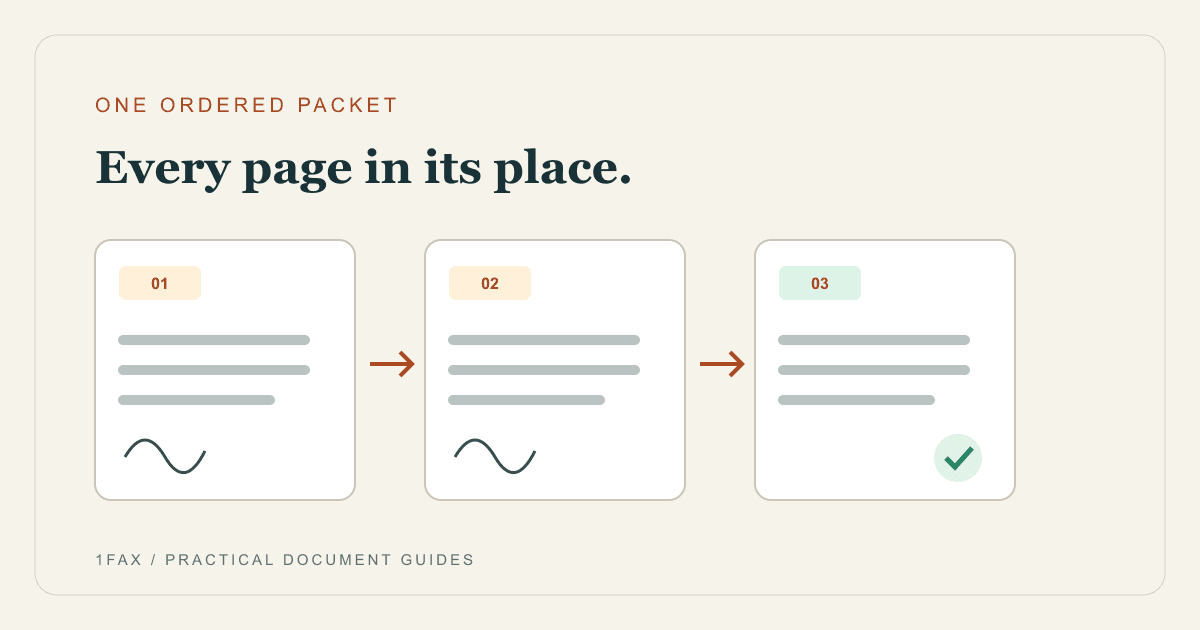
Combine the final pages into one PDF in the order the office requested. Remove duplicates and blank pages, but keep any barcoded or office-generated routing sheet at the front. Check signatures, dates, checkboxes, and page edges before sending.
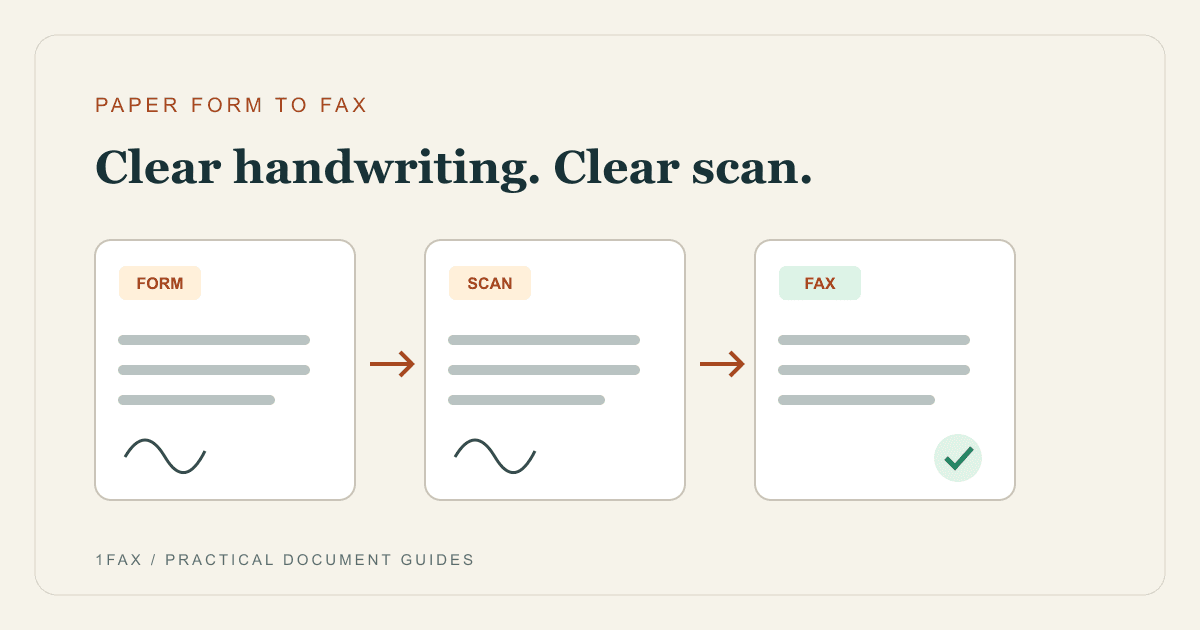
Fax compression can make gray text, faint handwriting, small type, or phone photos hard to read. Use a document scan rather than an angled photo, and review it at full size.
- Use black text on a white background with strong contrast.
- Make sure signatures and form fields are complete.
- Keep the pages upright and in the correct sequence.
- Include only the records or forms needed for the stated purpose.
- Write down the expected total page count before sending.
Send when ready
Your final PDF can go straight from browser to fax.
No fax machine or monthly plan. Verify the number, review the page count, and keep the delivery status.
What to put on a doctor's office fax cover sheet
A cover sheet helps the front desk route separated pages, but it should not become a second medical record. Use the minimum information needed to identify the destination and match the packet.
If the office supplies its own cover sheet, use that version. Otherwise include the recipient, department, sender contact, subject, date, and total pages. Add the patient name and another identifier only when the office asks for them.
| Include | Example | Avoid unless required |
|---|---|---|
| Recipient and department | Dr. Lee — Referrals | A vague 'medical office' attention line |
| Sender contact | Name, phone, and email | More personal details than the office needs |
| Routing subject | Cardiology referral for appointment on July 30 | Diagnosis details in the subject line |
| Page count | 8 pages including cover | Leaving the receiver unable to spot missing pages |
| Confidentiality note | Intended only for the named recipient | A claim that the cover sheet alone guarantees compliance |
How to fax your doctor from a phone or computer
Upload the final PDF to 1Fax, enter the verified destination number, and add your email for updates. Review the number and page count one last time. After sending, monitor the status and keep the delivery confirmation with the exact document you transmitted.
HHS guidance allows covered healthcare providers to use fax for treatment communications when reasonable safeguards are in place. It specifically gives number verification as an example of a safeguard. That does not mean every fax workflow or service is automatically compliant; healthcare organizations must evaluate their own policies, vendors, access controls, and legal obligations.
- On your phone, scan paper forms to a readable PDF; on a computer, use the completed digital file.
- Upload the final packet rather than several unfinished versions.
- Preview every page and review the displayed total before sending.
- Enter the office's verified fax number.
- Use a short attention line and a minimal cover sheet.
- Send and monitor queued, sending, and delivered states.
- Save the timestamp, destination, page count, and delivery status.
Follow up without confusing delivery with review
Delivered means the destination fax equipment or fax service accepted the transmission. It does not mean a staff member opened it, attached it to the correct patient chart, or completed the request.
For an appointment, referral, leave form, or deadline, call the office after the normal processing window and ask whether the packet was matched to the patient. Use the official office phone number, not a phone number embedded in an unexpected message.
The office cannot find my fax: what should I do?
Check the final transmission status before sending another copy. A queued or sending fax is still in progress. If it failed, verify the destination with the office and check whether the original attempt will retry before starting a new one.
If the fax was delivered, give the office the transmission time, destination number, sender name, and page count. Ask the intended department to check its fax queue and confirm the pages were matched to your chart. If staff request a replacement, label it as a resend so duplicate paperwork is easier to recognize.
How 1Fax handles the uploaded document
1Fax uses HTTPS connections for uploads and private document storage. Read the current privacy policy for document deletion and metadata-retention terms. A secure upload alone does not establish encryption across the entire fax route.
Short retention reduces how long the document remains in storage, but safe handling still begins with the sender. Verify the recipient, limit the packet, protect the confirmation, and follow the receiving office's instructions.
Research notes
Official sources used for this guide
Agency, healthcare, and provider instructions can change. Recheck the linked source and the document in front of you before transmitting.
- 01Treatment communications by fax under the HIPAA Privacy Rule (opens in a new tab)
U.S. Department of Health and Human Services
- 02Faxing patient information between physician offices (opens in a new tab)
U.S. Department of Health and Human Services
- 03
Common questions
Frequently asked questions
Can I send a fax directly to my doctor?
Often yes, but first confirm that the office accepts your document by fax and ask for the correct department-specific number and attention line.
What should I write on a fax to a doctor's office?
Use a short cover sheet with the doctor or department, sender contact, subject, date, and total page count. Include patient identifiers only when the office requests them, and avoid putting diagnoses or unnecessary health details on the cover.
Is faxing medical information allowed under HIPAA?
HHS says covered healthcare providers may share health information by fax for treatment purposes when reasonable safeguards are used. Verifying the destination number is one example. Compliance depends on the complete workflow, not the fax channel alone.
How do I know the doctor's office received my fax?
Keep the delivery confirmation, then contact the office if the document is important or time-sensitive. A delivered status shows transmission to the receiving system, not staff review or chart filing.
Should I fax urgent medical information?
Do not rely on a routine fax inbox for an emergency or an urgent clinical response. Follow the practice's urgent-care instructions or contact emergency services when appropriate.
In summary
Key takeaway
A safe doctor-office fax starts before upload: confirm the destination, send the minimum necessary packet, and make it easy to route. 1Fax helps one-time senders transmit from a browser and keep delivery proof, while the sender and receiving office remain responsible for the surrounding privacy and clinical workflow.