Quick answer
Quick answer
In the 1Fax form, prepare your document, open Schedule send, and choose a future time within the next 24 hours. Check the date and local time, review pages and checkout, and submit. The scheduled time is the requested start, not a guarantee of delivery or filing acceptance by a deadline.
What to get right
- Schedule a future send within 24 hours.
- Check your device or browser time zone.
- Busy lines and retries can delay completion.
- Retain the final result and follow recipient filing rules.
What scheduling changes
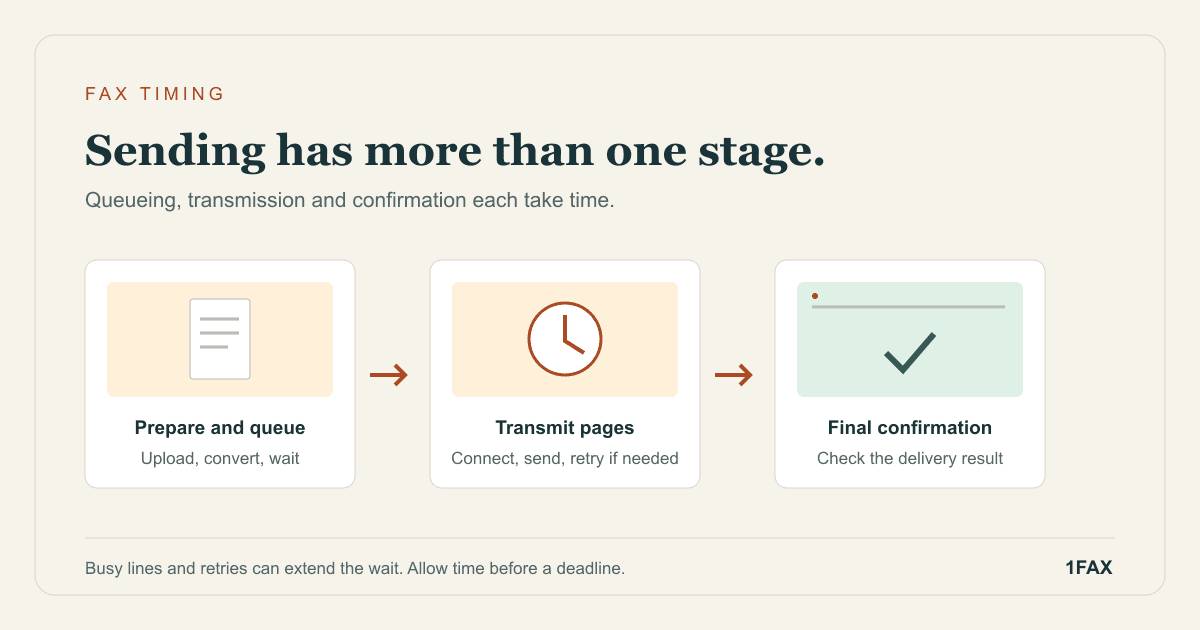
Scheduling lets you prepare documents and request a later start. It can help coordinate your work or send when an office is staffed. It does not reserve an available receiving line or eliminate transmission time.
The requested time and final result are different events. A busy endpoint or retry can add time after the start. Read how long a fax can take to plan for transmission and queue delays.
Schedule a fax in the 1Fax form
Prepare the final document, enter the verified destination and your email, and inspect the preview, cover choice, total pages, and price. In Schedule send, choose a future date and time within the next 24 hours.
The date-and-time field uses your device or browser local time. If the recipient works in another time zone, convert its requested time before entering it. Check the date as well as the hour, especially near midnight.
Review the approximate hours-until-send hint and correct validation errors. If your chosen time passes while completing the form or payment, select a new future time or send immediately.
- Inspect the complete packet.
- Confirm the recipient and routing instructions.
- Choose a future time within 24 hours.
- Check the local date, time, and checkout total.
- Submit once and retain the tracking page.
Work backwards from a deadline
First confirm which method the recipient accepts and what counts as timely receipt. An IRS, court, benefits, or medical-office requirement may call for a portal, mail, an original, or a particular signature. The fax service cannot decide that requirement.
Leave room for transmission, retry, and follow-up through an official number. Scheduling at the deadline leaves no time to discover a wrong number or missing page. Immediate sending can leave more room to react when a document is ready and urgent.
Send when ready
Your final PDF can go straight from browser to fax.
No fax machine or monthly plan. Verify the number, review the page count, and keep the delivery status.
Check IRS forms individually
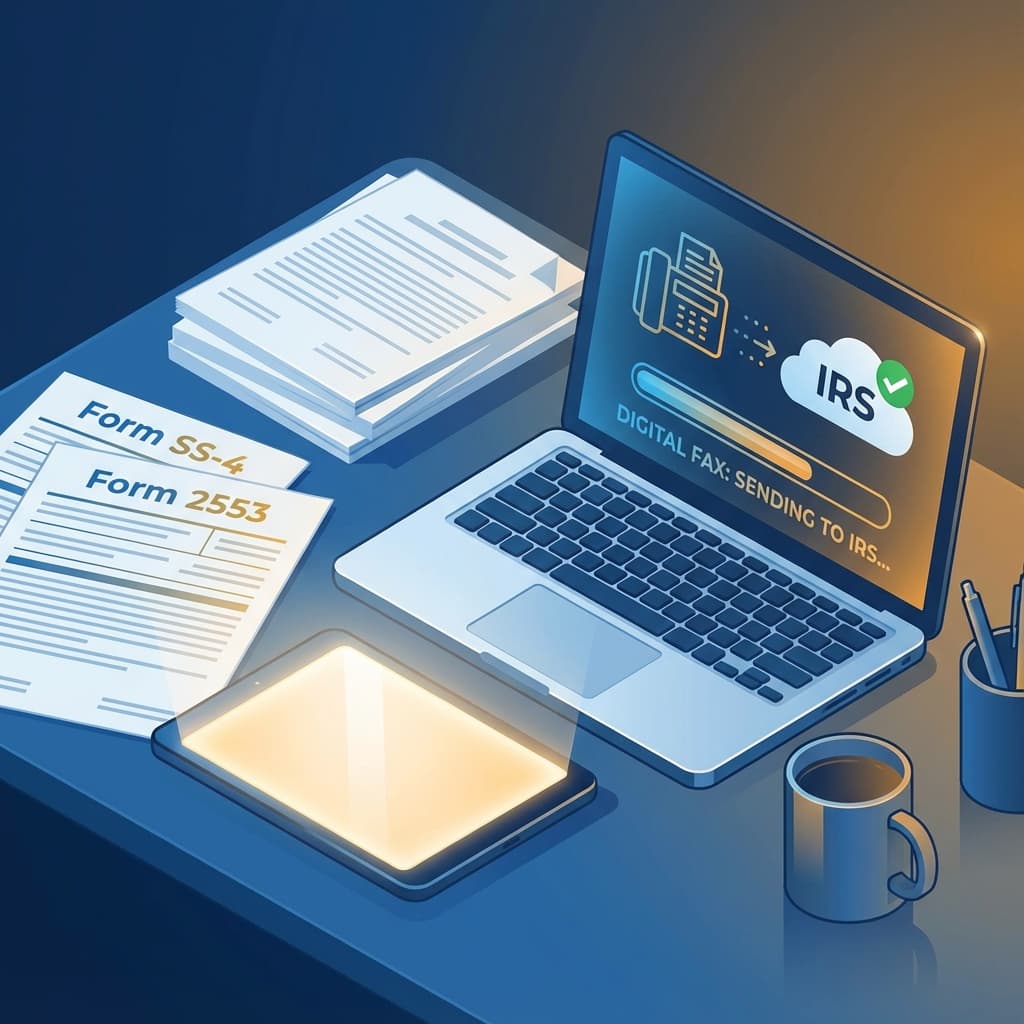
IRS forms use different routes and signature rules. Form 2848 instructions, for example, require a handwritten signature for fax or mail; online submission has separate electronic-signature rules. Scheduling does not change those requirements.
Use the IRS fax guide to locate current official instructions. Verify the form and destination before scheduling and keep originals when required. Avoid assuming every IRS form has a same-day fax deadline.
After the requested start time
Monitor status and email updates until the attempt reaches a final delivered or failed result. Scheduled or queued is not delivery. If an attempt remains in progress, inspect the timeline before creating a duplicate.
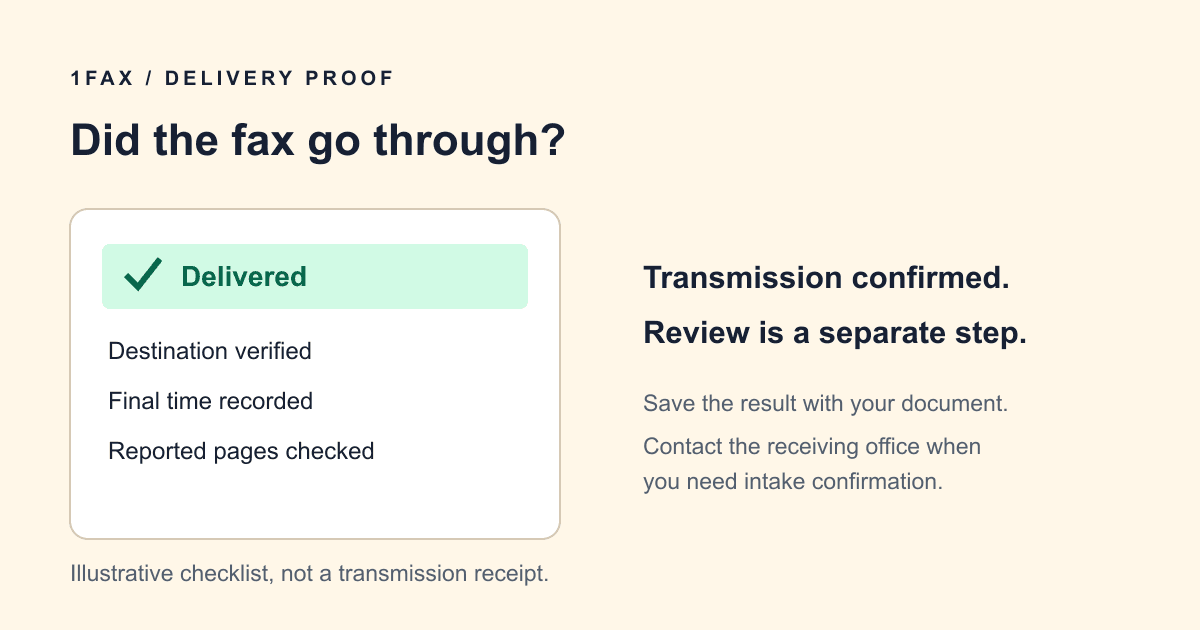
Keep the exact packet and final history together. A delivery confirmation records transmission to the receiving endpoint, not staff review or agency acceptance. For urgent paperwork, follow the recipient processing and contact instructions.
Keep a copy and protect the tracking link
Keep your own approved document copy because a fax service is not your archive. Read the current privacy and retention policy for document and metadata terms, particularly when a file waits for a scheduled send.
Protect status links containing personal or case information. Use the recipient official channel to ask about processing after delivery.
Research notes
Official sources used for this guide
Agency, healthcare, and provider instructions can change. Recheck the linked source and the document in front of you before transmitting.
- 01Form 2848 filing and signature instructions (opens in a new tab)
Internal Revenue Service
- 02
Common questions
Frequently asked questions
How far ahead can I schedule with 1Fax?
Choose a future time within the next 24 hours. If that time has passed by submission, update it or send immediately.
Does a scheduled start guarantee delivery at that time?
No. Transmission, a busy receiving line, retries, and processing can take more time after the requested start.
Which time zone should I enter?
Check the device or browser local time zone. Convert any recipient deadline into that local date and time before submitting.
Does scheduling establish timely filing?
No. Follow recipient filing rules and retain the final result. Scheduling or transmission records alone do not establish legal acceptance.
In summary
Key takeaway
Schedule when it helps you prepare ahead, then check the final result. Confirm local time and recipient rules, and leave room to address a failed attempt before an important deadline.