Quick answer
Quick answer
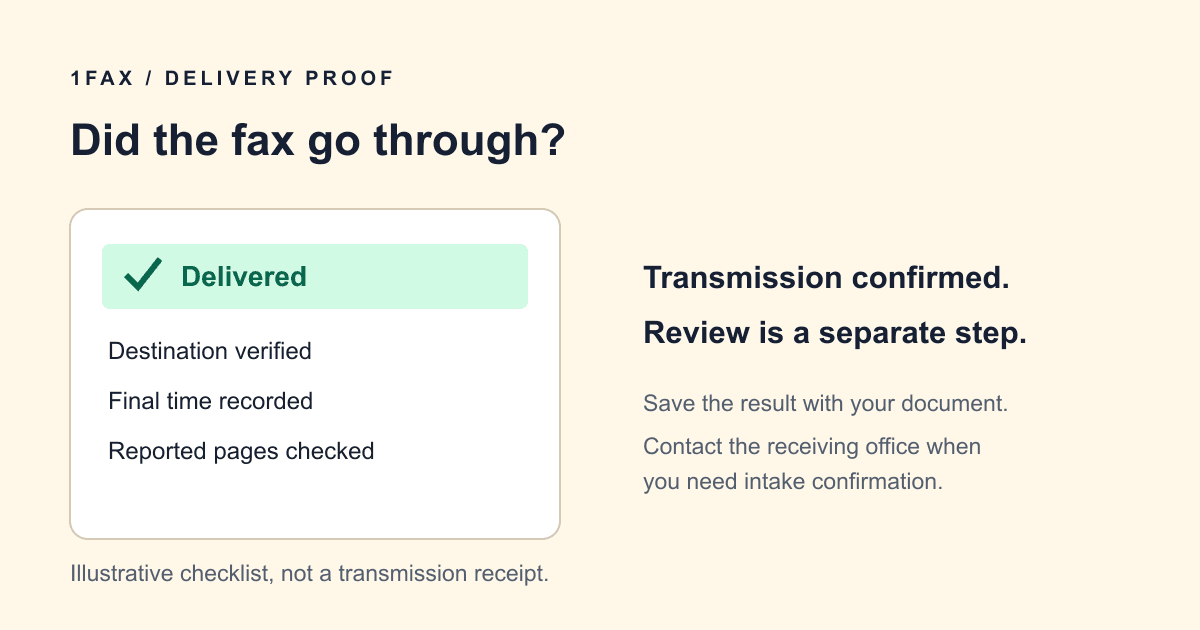
Look for a final delivered or successful transmission result, then verify the destination and page count if shown. Queued, sending, and retrying are not delivery confirmation. A delivered result records transmission to the receiving fax system, not that a person read or approved the document.
Which fax statuses count as confirmation?
Online services and fax machines use different labels, so read the result rather than relying on an email subject alone. A payment receipt may confirm billing, while a submission notification only confirms that the fax was created. Neither replaces a successful transmission result.
| Status or record | What it tells you | Next step |
|---|---|---|
| Queued or submitted | The send request exists. | Wait for transmission to finish. |
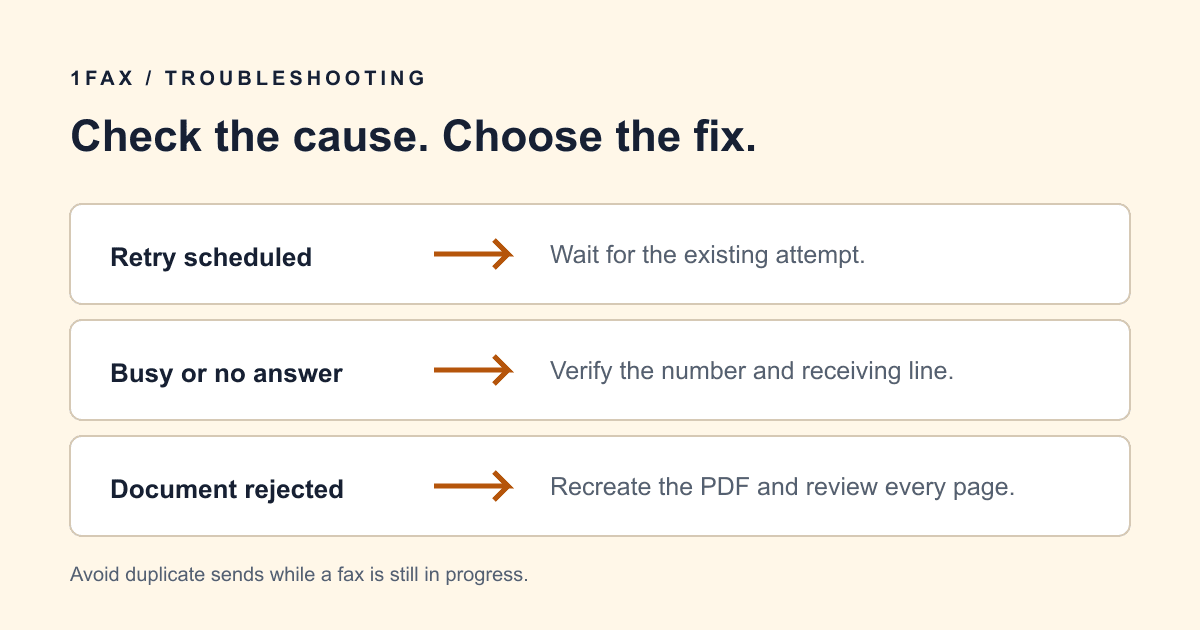
| Sending or retrying | The job is still in progress. | Track the existing job and avoid duplicates. |
| Delivered or successful | The destination fax system accepted the transmission. | Check the destination and save the result. |
| Failed | The service did not confirm full delivery. | Read the reason and check whether a partial packet arrived. |
| Payment authorization | A payment step occurred. | Check fax status separately. |
How to get a report from an online service or machine
With 1Fax, open the tracking page for the send and review its final result, then retain the final email with your records. Use your browser's print or save function if you need a separate copy. A screenshot can be useful when it includes the destination, final status, and visible timestamp.
For a physical fax machine, check its report or transmission-history settings. Brother describes a Transmission Verification Report containing the destination, transmission time, duration, page count, and success result. Available fields and printing controls differ by model; use the manual for your own machine.
Save a record you can match to the document
Keep your own copy of the exact document sent alongside the transmission result. A confirmation without the original file can be difficult to match to a particular revision, especially if you faxed the same office several times.
If the report shows a page count, compare it with the packet including any cover page. Record the timestamp and its time zone when timing matters. Use a descriptive local filename without exposing sensitive identifiers to other people who can see the folder.
- Destination fax number and department.
- Final transmission status and timestamp.
- Reported page count, when available.
- Your copy of the submitted PDF and cover page.
- The current instructions used to verify the number.
- Any follow-up response from the recipient.
Send when ready
Your final PDF can go straight from browser to fax.
No fax machine or monthly plan. Verify the number, review the page count, and keep the delivery status.
What if the recipient says the fax did not arrive?
Read back the destination number first, then provide the transmission time and sender name. Ask the office to check its shared inbox, intake queue, or printed stack. A receiving system can accept a fax before staff route it to the correct person.
If the office cannot locate it, ask whether to resend and which attention line or reference to use. Mark a replacement clearly if the recipient requests that, so two copies do not become separate requests. Do not send to a different number until the office verifies it.
Delivery is different from review or acceptance
A transmission result does not tell you whether the pages were readable to the person handling them, whether a form was complete, or whether a request was accepted. For a time-sensitive packet, ask the recipient how it confirms intake and how long to wait before following up.
Keep the fax result as one part of the record. If the recipient has a required acknowledgment, portal status, or reference number, obtain that separately. Do not describe a delivered fax as approval of the underlying application or request.
Research notes
Official sources used for this guide
Agency, healthcare, and provider instructions can change. Recheck the linked source and the document in front of you before transmitting.
- 01
Common questions
Frequently asked questions
Does a confirmation email mean my fax was delivered?
Only if it reports a final successful transmission. Submission notices and payment messages are different records; check the fax status and destination.
Does delivered mean someone read the fax?
No. It records delivery to the receiving fax system. Contact the recipient when you need confirmation of intake, review, or approval.
What if I cannot find the confirmation email?
Check spam and the email address used for the send, then consult the tracking page. Contact support with the send reference if you cannot recover the final result.
In summary
Key takeaway
Prepare a readable document, verify the destination, and keep the final transmission result with your own copy of the file. Start your send on 1Fax when the packet is ready.