
Quick answer
Quick answer
Include the recipient and department, verified fax number, sender contact, date, brief subject, and total pages including the cover. Follow any recipient-supplied routing sheet first. A cover page helps routing but does not itself secure a fax.
Copy this fax cover sheet into your document
Replace each bracketed field, remove unnecessary fields, and keep the finished cover to one page. This example is a general routing aid; use a recipient's required form when one is supplied.
- FAX COVER SHEET
- To: [Recipient name / department]
- Fax: [Verified destination fax number]
- From: [Sender name]
- Reply contact: [Phone or email]
- Date: [Date sent]
- Subject: [Short purpose]
- Total pages including this cover: [Number]
- Message: [Brief routing instruction or requested action]
Count the cover page and attachment pages together
Two document pages plus one cover page make a three-page fax. Review the preview after adding a cover so the total matches what you send. If the document already has a suitable cover, avoid adding another by accident.
1Fax offers an optional generated cover using sender, recipient, subject, and note fields. The checkout total includes that cover. You can also prepare a cover in your own PDF when you need a specific layout.
Use enough detail to route the fax
An attention line is useful when several people share a fax number. Name the department or person that requested the document. Keep the subject descriptive, such as Signed form for intake, rather than copying private details from the attachment.
Include a reply phone or email that you actually monitor. Add a case reference only when the recipient requires it, and use only the information needed to match the packet.
Send when ready
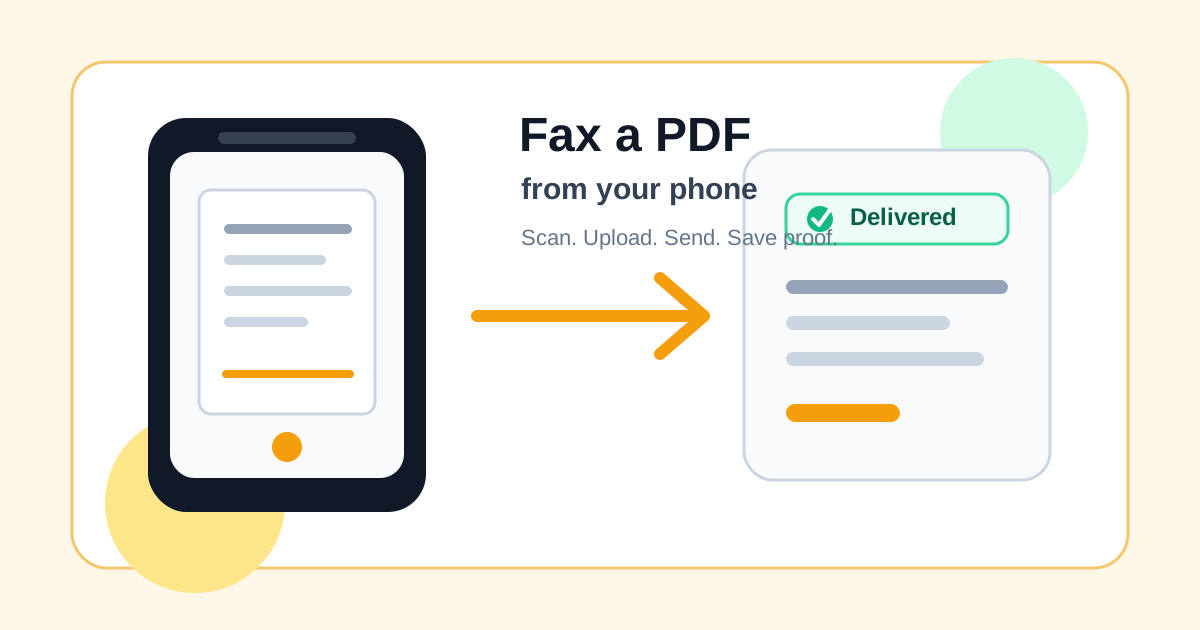
Your final PDF can go straight from browser to fax.
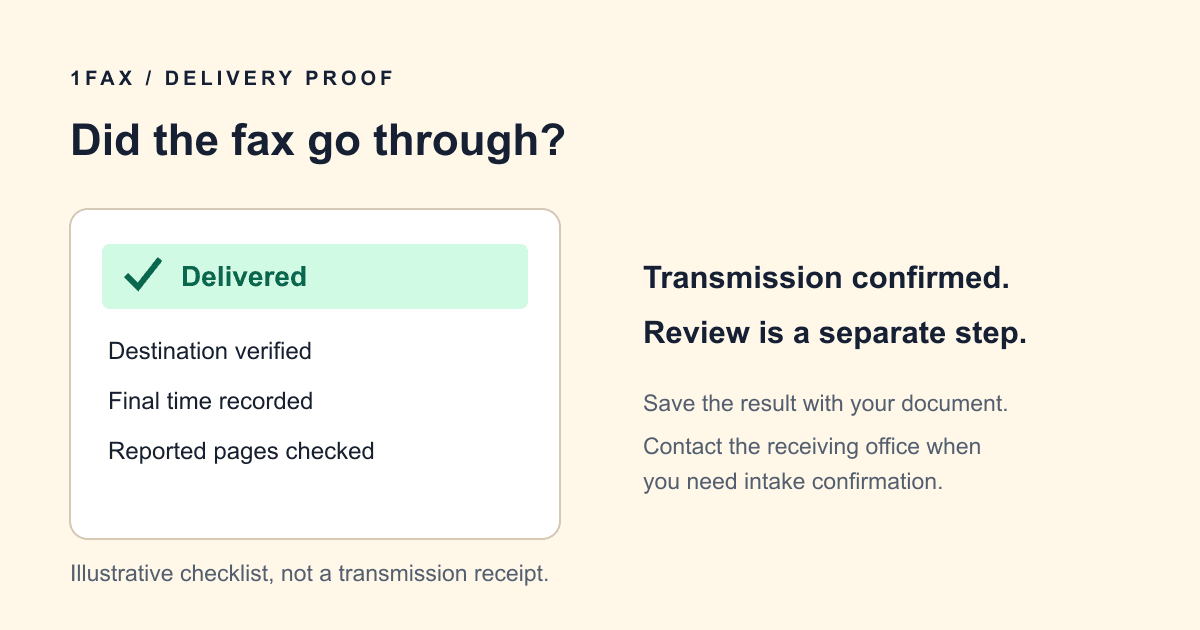
No fax machine or monthly plan. Verify the number, review the page count, and keep the delivery status.
Leave sensitive details out of the front page
Avoid full identity numbers, payment details, or extensive personal information in the subject or note. A cover can be visible in a shared receiving area, and a confidentiality notice does not prevent access or correct a mistyped number.
Use a short factual instruction if a fax is misdirected, such as asking the unintended recipient to contact the sender. Follow your organization's approved wording where applicable; this general example is not a compliance certification.
When can you skip the cover?
Follow the recipient's instructions. A cover may be unnecessary for a clearly identified one-page document sent to a dedicated destination. A shared intake office may require one even for a short fax.
When a recipient supplies a barcode or routing sheet, preserve its position and contents. After sending, save the result with the complete packet so you can identify which cover and document version were transmitted.
Common questions
Frequently asked questions
Is a fax cover sheet always required?
No. Follow the receiving office's instructions. Use one when it helps identify the recipient or route a shared-inbox fax.
Does the cover sheet count as a page?
Yes. Include it when stating total pages and reviewing the price.
Can I use this template in Word or Google Docs?
Yes. Copy the fields into your document editor, replace the placeholders, export a PDF, and check that the cover fits on one page.
In summary
Key takeaway
A clear cover sheet helps the recipient route a fax. Keep it factual, limit sensitive details, and make the page count accurate. 1Fax can generate an optional 1Fax-branded cover with sender, recipient, subject, and note fields; the sender remains responsible for the wording and the recipient's requirements.