Quick answer
Quick answer
First check whether the fax is still sending, waiting for an automatic retry, or has finally failed. For a busy or unanswered line, verify the destination and contact the recipient. For a document error, recreate and review the PDF before uploading again.
Check the current status before sending another copy
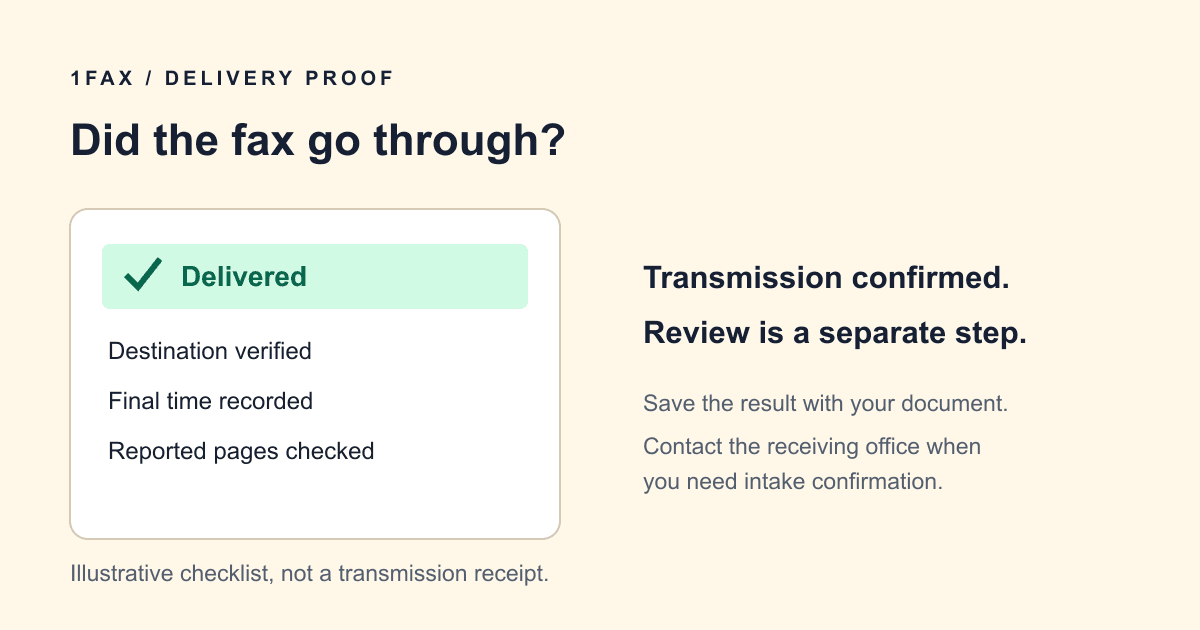
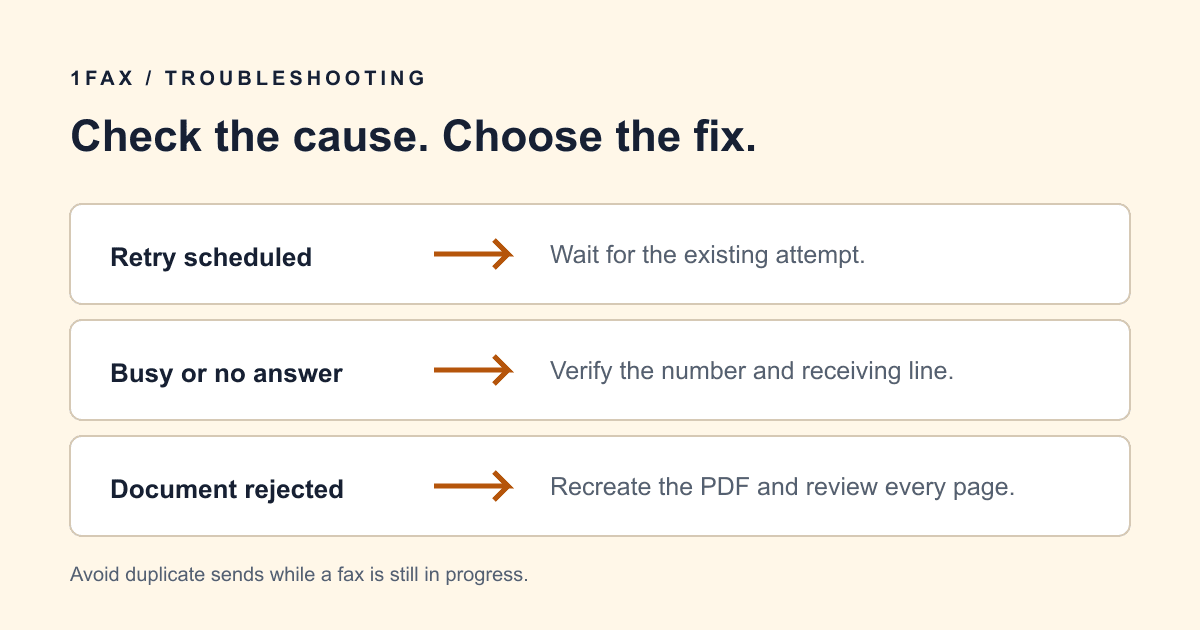
A delay and a final failure require different actions. A queued fax has not finished, and a sending status is not a delivery receipt. If your tracking page gives a retry time, let that attempt finish before submitting a duplicate.
Write down the latest status and time. Repeatedly clicking send can create separate jobs that reach the recipient later. If the status appears unchanged for an unusually long period, contact support with the tracking reference instead of starting several more copies.
Match the message to the next useful action
Failure messages describe what happened during an attempt; they do not always identify the underlying cause. For example, no answer does not prove that the receiving machine is out of paper. Confirm the condition with the recipient before assuming a hardware fault.
| What you see | What it may mean | What to do |
|---|---|---|
| Busy | The receiving line could not accept the call. | Wait for the scheduled retry; confirm availability if it persists. |
| No answer | The destination did not establish a fax connection. | Verify the number and ask the office whether its fax service is working. |
| Call dropped | The connection ended before the send completed. | Check the final status and ask whether any pages arrived before resending. |
| Invalid number or voice answer | The destination may not route to a fax receiver. | Use the current official fax number, including the correct country code. |
| File or page-size problem | The document could not be processed for fax. | Recreate a standard-size PDF, inspect it, then upload the new file. |
Verify the number and receiving department
Compare every digit with a current letter, form, or official contact page. A voice number or department extension may look like a fax number but require a different route. Ask the recipient for the direct fax destination and whether there is an alternate approved number.
For a shared office, also confirm the attention line. A successful transmission to the wrong department can still delay handling. Do not send sensitive documents to an alternate number from an unverified search result.
Send when ready
Your final PDF can go straight from browser to fax.
No fax machine or monthly plan. Verify the number, review the page count, and keep the delivery status.
Fix a rejected PDF before retrying
If the error points to the file, repeating the same upload may reproduce the same failure. Open the original document and use Print to PDF or Save as PDF. Choose the intended paper size, such as Letter or A4, and save a new copy. Review every page for clipping, changed page breaks, missing signatures, and blank pages.
A small file can still contain unusually large page dimensions. Compressing the file alone will not necessarily fix that. Likewise, high-resolution photos can be blurry or shadowed even when the upload succeeds. Rescan unreadable pages and ensure the exported document fits the upload limits shown by the service.
Keep the original for your records and only upload the reviewed replacement. If a recipient requires an original digital signature or a particular file format, follow its instructions before using a conversion that changes the document.
Decide whether to wait, resend, or contact support
Wait while an automatic attempt is scheduled. After a final failure, correct the cause before starting a new send. When the failure occurred partway through a packet, ask the receiving office whether it wants a complete resend or only missing pages; do not assume nothing arrived.
For support, share the tracking reference, time, status message, and what you have already tried. Avoid emailing the sensitive document unless support specifically needs it through an appropriate channel. If a deadline is close, ask the recipient about another accepted submission method.
Research notes
Official sources used for this guide
Agency, healthcare, and provider instructions can change. Recheck the linked source and the document in front of you before transmitting.
- 01
Common questions
Frequently asked questions
Should I keep resending a busy fax?
Check for a scheduled automatic retry first. If the job has finally failed, confirm the receiving line is available before creating another send.
Can a failed fax deliver some pages?
An interrupted transmission can leave the recipient with part of the packet. Confirm what arrived and how the office wants a resend labeled.
Will compressing my PDF fix every file error?
No. Compression reduces file size but may leave incorrect page dimensions or damaged content unchanged. Recreate the PDF and review the new copy when the error concerns the file.
In summary
Key takeaway
Prepare a readable document, verify the destination, and keep the final transmission result with your own copy of the file. Start your send on 1Fax when the packet is ready.